
A performance regression after a SQL Server upgrade has to be fixed fast. One database setting can buy you the time. It brings back the old row estimates and keeps everything else of the new version. A demo below shows what it changes and what it leaves alone.

Why an Upgrade Can Slow a Query
A client once moved from SQL Server 2012 to SQL Server 2019 and expected faster queries. New hardware, a new engine and new algorithms promise that. Here the queries got slower, and users were waiting. The client could not wait for a full investigation. They needed the server running first.
The engine is only part of the story. The plan for each query depends on a guess about row counts, called cardinality estimation. SQL Server 2014 introduced a new estimator at compatibility level 120. A database raised to a higher level gets new guesses, and a guess that changes can change a plan. Most plans improve. A few do not, and one slow plan is enough to cause a performance regression that users feel.
Build the Comparison
The demo creates a database named UpgradeFirstAidDemo with 100,000 shops. Ten brands each own 10,000 shops, and each brand sits in one region. The setup turns Query Store on first, which is the habit to build before an upgrade. A small function reads the estimate of a saved plan, so the later steps stay short.
IF DB_ID(N'UpgradeFirstAidDemo') IS NULL CREATE DATABASE UpgradeFirstAidDemo;
GO
USE UpgradeFirstAidDemo;
GO
ALTER DATABASE UpgradeFirstAidDemo SET QUERY_STORE = ON (OPERATION_MODE = READ_WRITE);
DROP TABLE IF EXISTS dbo.Shops;
CREATE TABLE dbo.Shops (
    ShopID int IDENTITY(1,1) NOT NULL PRIMARY KEY,
    Brand  nvarchar(30) NOT NULL,
    Region nvarchar(10) NOT NULL
);
WITH b AS (
    SELECT ROW_NUMBER() OVER (ORDER BY v.Brand) - 1 AS rn, v.Brand, v.Region
    FROM (VALUES (N'Maple', N'North'), (N'Birch', N'North'), (N'Cedar', N'South'), (N'Willow', N'South'), (N'Aspen', N'East'),
                 (N'Elm', N'East'), (N'Pine', N'West'), (N'Oak', N'West'), (N'Alder', N'Central'), (N'Hazel', N'Central')) AS v (Brand, Region)
), n AS (
    SELECT TOP (100000) ROW_NUMBER() OVER (ORDER BY (SELECT NULL)) AS k
    FROM sys.all_objects AS a CROSS JOIN sys.all_objects AS c
)
INSERT INTO dbo.Shops (Brand, Region) SELECT b.Brand, b.Region FROM n INNER JOIN b ON b.rn = n.k % 10;
GO
CREATE OR ALTER FUNCTION dbo.EstimateOf (@Marker nvarchar(40))
RETURNS TABLE
AS RETURN
SELECT qp.query_plan.value('declare namespace p="http://schemas.microsoft.com/sqlserver/2004/07/showplan"; (//p:StmtSimple/@CardinalityEstimationModelVersion)[1]', 'int') AS CeModel,
       CAST(qp.query_plan.value('declare namespace p="http://schemas.microsoft.com/sqlserver/2004/07/showplan"; (//p:StmtSimple/@StatementEstRows)[1]', 'float') AS decimal(12,2)) AS EstimatedRows,
       qs.last_rows AS ActualRows
FROM sys.dm_exec_query_stats AS qs
CROSS APPLY sys.dm_exec_sql_text(qs.sql_handle) AS st
CROSS APPLY sys.dm_exec_query_plan(qs.plan_handle) AS qp
WHERE st.text LIKE N'%INTO ' + @Marker + N' FROM dbo.Shops%' AND st.text NOT LIKE N'%EstimateOf%';
Three Setups, One Query
The next script runs the same query three times. The first run uses compatibility level 110, the level of SQL Server 2012. The second run raises the level to 170 and switches the legacy estimator on. The third run leaves the level at 170 and switches the legacy estimator off. The script saves each estimate before the next change clears the plan cache. The cache is cleared for this database only.
DROP TABLE IF EXISTS #Seen, #AtLevel110, #Level170Legacy, #Level170Default;
CREATE TABLE #Seen (Setup nvarchar(40), CeModel int, EstimatedRows decimal(12,2), ActualRows bigint);
ALTER DATABASE SCOPED CONFIGURATION SET LEGACY_CARDINALITY_ESTIMATION = OFF;
ALTER DATABASE UpgradeFirstAidDemo SET COMPATIBILITY_LEVEL = 110;
ALTER DATABASE SCOPED CONFIGURATION CLEAR PROCEDURE_CACHE;
GO
SELECT ShopID INTO #AtLevel110 FROM dbo.Shops WHERE Brand = N'Maple' AND Region = N'North';
GO
INSERT INTO #Seen SELECT N'Level 110', e.* FROM dbo.EstimateOf(N'#AtLevel110') AS e;
GO
SELECT value FROM STRING_SPLIT(N'a,b,c', N',');
GO
ALTER DATABASE UpgradeFirstAidDemo SET COMPATIBILITY_LEVEL = 170;
ALTER DATABASE SCOPED CONFIGURATION SET LEGACY_CARDINALITY_ESTIMATION = ON;
ALTER DATABASE SCOPED CONFIGURATION CLEAR PROCEDURE_CACHE;
GO
SELECT ShopID INTO #Level170Legacy FROM dbo.Shops WHERE Brand = N'Maple' AND Region = N'North';
GO
INSERT INTO #Seen SELECT N'Level 170, legacy on', e.* FROM dbo.EstimateOf(N'#Level170Legacy') AS e;
GO
SELECT value FROM STRING_SPLIT(N'a,b,c', N',');
GO
ALTER DATABASE SCOPED CONFIGURATION SET LEGACY_CARDINALITY_ESTIMATION = OFF;
ALTER DATABASE SCOPED CONFIGURATION CLEAR PROCEDURE_CACHE;
GO
SELECT ShopID INTO #Level170Default FROM dbo.Shops WHERE Brand = N'Maple' AND Region = N'North';
GO
INSERT INTO #Seen SELECT N'Level 170, default', e.* FROM dbo.EstimateOf(N'#Level170Default') AS e;
SELECT Setup, CeModel, EstimatedRows, ActualRows FROM #Seen ORDER BY Setup;
| Setup | CeModel | EstimatedRows | ActualRows |
|---|---|---|---|
| Level 110 | 70 | 2000.00 | 10000 |
| Level 170, default | 170 | 4472.14 | 10000 |
| Level 170, legacy on | 70 | 2000.00 | 10000 |
Level 110 and the legacy setting at level 170 give the same estimate, 2,000 rows, from model 70. The default at level 170 gives 4,472 rows from model 170. Here the new estimate is closer to the real 10,000. On your workload it can go the other way, and a worse guess is how a plan regresses. The setting returns the old guess without moving the database back to level 110.
The two STRING_SPLIT calls show the difference. At level 110 the first call fails.
Msg 208, Level 16, State 1, Line 1
Invalid object name 'STRING_SPLIT'.
At level 170 with the legacy setting on, the same call returns a, b and c. Lowering the level would also bring back the old estimator. It would switch off every feature that needs the higher level as well. The legacy setting changes the guesses and nothing else.
First Aid, Then the Real Cause
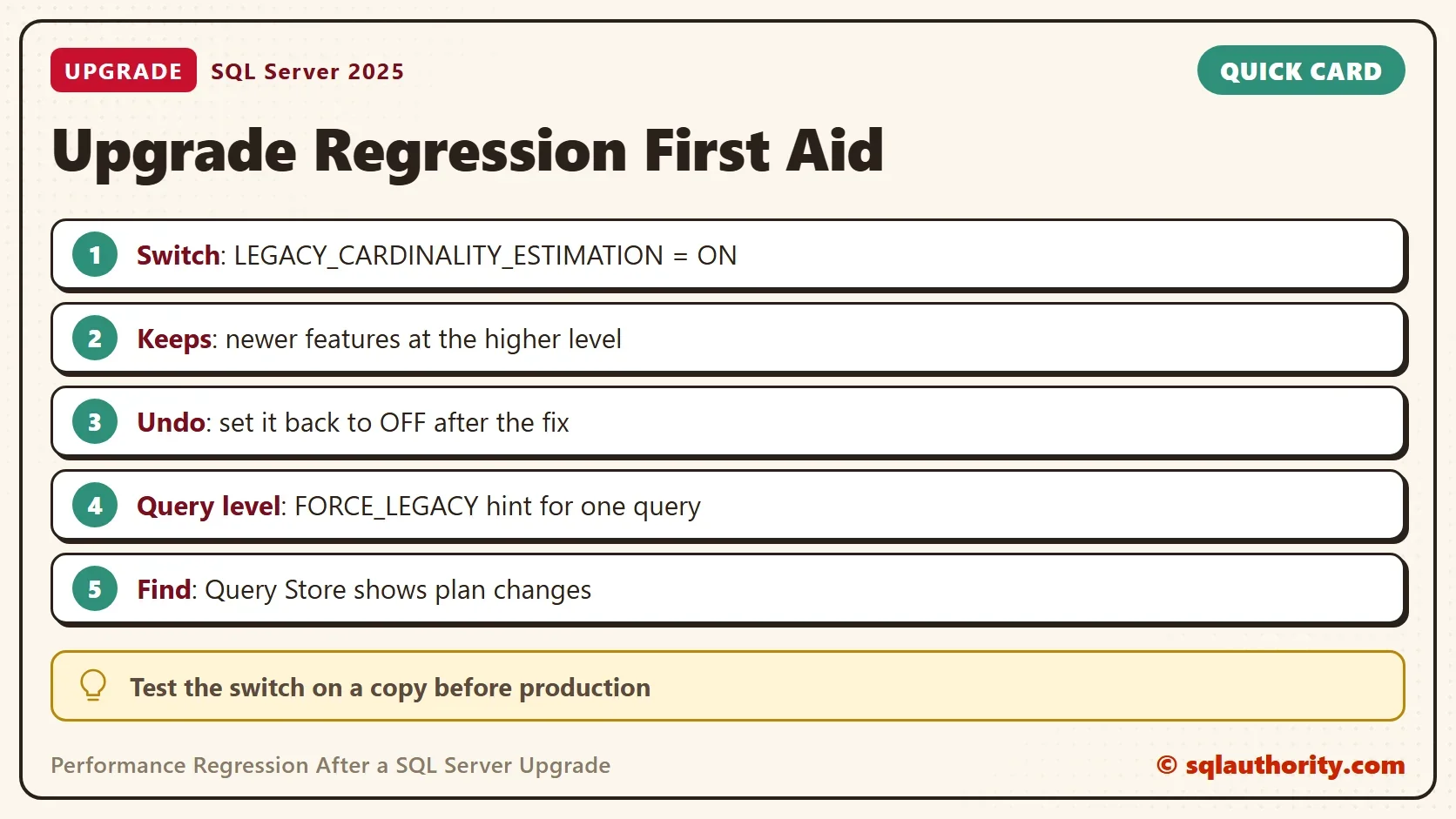
The first-aid statement is one line, and the undo is the same line with OFF. Test it on a copy first. Write down the current value before you change it.
ALTER DATABASE SCOPED CONFIGURATION SET LEGACY_CARDINALITY_ESTIMATION = ON;
SELECT name, value FROM sys.database_scoped_configurations WHERE name = N'LEGACY_CARDINALITY_ESTIMATION';
-- Undo: ALTER DATABASE SCOPED CONFIGURATION SET LEGACY_CARDINALITY_ESTIMATION = OFF;
In the client’s case, the setting restored the speed of the old server. The team then found the real causes: a few queries and some indexes. After those were fixed, they turned the setting off again. That is the right order. The switch is first aid, and the fix comes after it.
Look for the real cause with Query Store, which records the plans and run times of each query. Compare the slow queries with their earlier plans. In this test, Query Store listed a new plan only when the plan changed. A new estimate on the same plan shape left no trace there.
Update statistics on the affected tables and check for missing indexes. A query that is fast for one parameter value and slow for another can use OPTION (RECOMPILE). That option builds a plan for the values it receives. For one stubborn query, use the hint FORCE_LEGACY_CARDINALITY_ESTIMATION. It is the mirror image of the hint in FORCE_DEFAULT_CARDINALITY_ESTIMATION: A Simple Explanation.
Is the Switch the Wrong Answer?
You could argue that staying at the old compatibility level until the queries are tuned is safer. That is a reasonable plan when you can test first. Upgrade the engine, keep the old level, and raise it one step at a time while Query Store watches. When the upgrade has happened and users are waiting, the legacy setting is faster. It does not cost you the new features.
What to Remember
After an upgrade, a performance regression can point to the estimator or to a query that was lucky before. Switch the legacy estimator on for the database, confirm the plan shows model 70, and fix the root cause. Then turn the setting off. When you finish the demo, drop the database.
USE master;
GO
ALTER DATABASE UpgradeFirstAidDemo SET SINGLE_USER WITH ROLLBACK IMMEDIATE;
DROP DATABASE UpgradeFirstAidDemo;
A regression is not a verdict on the new version, it is a question about one guess.
Published by Pinal Dave on SQLAuthority. More of my work at pinaldave.com.
Discover more from SQL Authority with Pinal Dave
Subscribe to get the latest posts sent to your email.




7 Comments. Leave new
Could you have just kept the compat level at 2012 and gotten the same result?
In that case, SQL Server 2019 features will be disabled. We just want our query to use a different algorithm (older cardinality) but want all the good stuff of SQL Server 2019.
Thanks for the clarification. Do you have a preferred build of SQL 2019 like CU4/5/6 or 8. My client is about to do what your client did and go from 2012 to 2019. I was suggesting keeping the compat level at 20-12 to begin with and then move it up.
That is the reasonable suggestion.
We recently migrated from SQL 2017 to 2019, and have had numerous instances of complex queries that used to perform totally fine (~1-2 seconds) that randomly start performing very poorly (many seconds, sometimes minutes, to the point where they are unusable). Often these queries involve sub-queries / CTEs. Sometimes, adding the query hint to use the old CE estimator helps and returns them to their former glory and good performance. Sometimes I’ve had to re-write the query into multiple statements using temp tables in order to make it usable at all.
I’ve been reluctant to turn on the old CE for the entire database because I’m afraid of what other things that might hurt.
I do all manner of nightly reindexing and statistics updates – typically, statistics are the thing the execution plan suggests could be out of whack and why the query is performing slowly. In general, forcing a night statistics update has helped somewhat, but is not a magic bullet.
Furthermore, our test server (same Windows and SQL versions including CUs) often performs fine, even with a relatively fresh copy of the database from the live server.
I’ve tried to keep up to date with all the 2019 CUs – and in fact, one released last fall helped performance tremendously.
It’s super frustrating to have these performance issues cropping up out of the blue on production servers when they don’t happen on our test server with similar or equal amounts of data (though obviously less users and less day-to-day data modifications). I’ve been coding SQL since 2000 and I’ve never such a difficult time upgrading from one version to another right above it.
Anyways, rant over. If anyone else has any magic bullets I’d love to know. Meanwhile, I just keep hitting one query at a time as the issues arise.
David,
We recently expanded our system and converted to SQL 2019 from 2016.
Every key point and problem you mentioned has also occurred in our environment.
So We’re not alone…..
Any constructive feedback and directions would be muchly appreciated.
Thanks
Hi David,
Please add OPTION(recompile) on the end of the complex queries.
That helped in my case.
Regards,