
Runnable vs suspended is the difference people ask about most when they read the status column in sp_who2. It’s one of the most popular questions I get during my Comprehensive Database Performance Health Check. Today I’ll walk through all five statuses, Running, Runnable, Pending, Suspended and Sleeping, in terms of CPU and I/O.
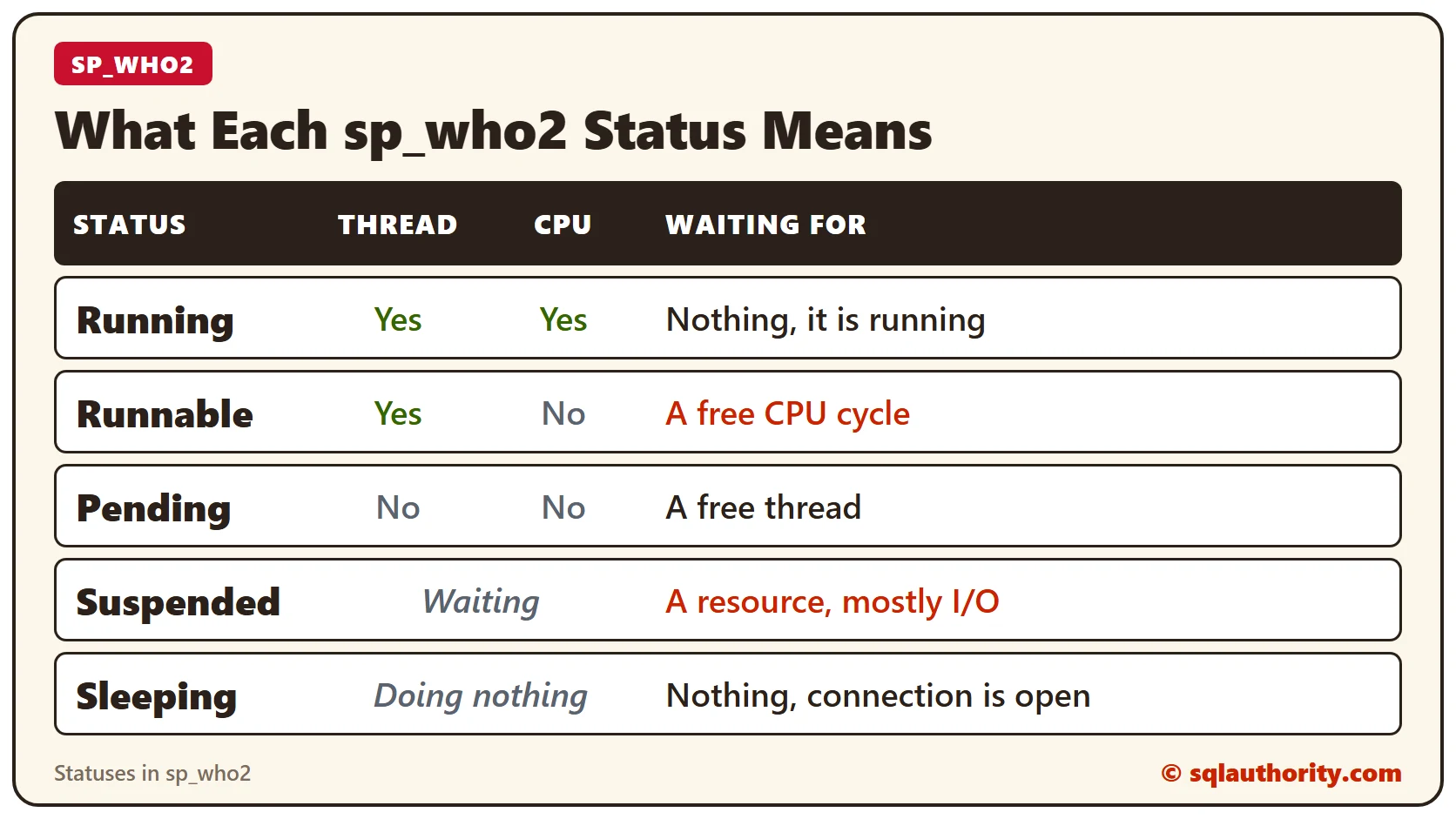
What the Five Statuses Mean
Each status tells you whether the session has a thread, whether it has the CPU, or what it is waiting for. Here are the definitions.
- Running: the session is running its batches and using CPU cycles right now.
- Runnable: the session has a thread, but it’s waiting for a CPU cycle to become available.
- Pending: the session hasn’t been assigned a thread yet. It’s waiting for a thread to become available.
- Suspended: the session is waiting for resources to become available. In my experience this shows up more with I/O completion than with CPU problems.
- Sleeping: the session isn’t doing anything. All the tasks tied to its threads are done, but the connection is still open.
How to See Sleeping for Yourself
You can see Sleeping in a minute. Open a new connection in SQL Server Management Studio and don’t run anything in it. Then check the status of that connection’s SPID in the output of sp_who2, and you’ll see Sleeping.
EXEC sp_who2;How to Read the Statuses
Runnable and Pending are about getting a chance to run. A Runnable session already has a thread and waits for CPU time. A Pending session is still waiting for a thread. Suspended is about a resource, and I’ve seen it more with I/O than with CPU.
So the next time you run sp_who2, you’ll know what each status means at a glance.
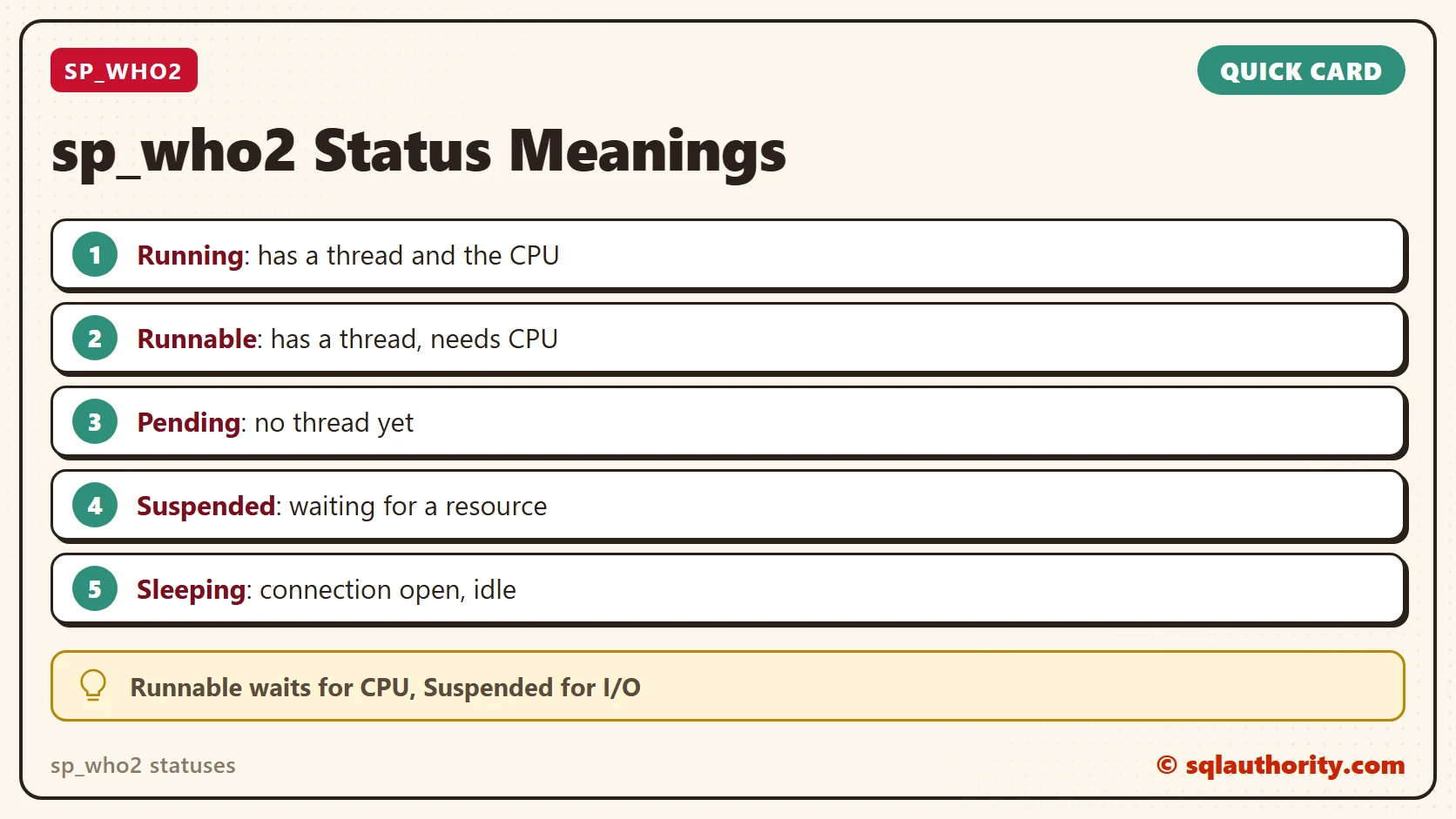
A status is not a verdict, it is a clue about what the session waits for.
Published by Pinal Dave on SQLAuthority. More of my work at pinaldave.com.
Discover more from SQL Authority with Pinal Dave
Subscribe to get the latest posts sent to your email.




4 Comments. Leave new
Useful information
Thanks
what if the session is in both state runnable and suspended state..Some kind of self blocking is happening.
Thanks Great!
What is the status BACKGROUND used for ?