Backup error 3636 on a secondary replica can mean the secondary has not yet replayed a change from the primary. In one client availability group, a log backup on the secondary failed after the primary gained a new log file. The error text alone does not say that.

What Happened in This Case
I had helped this client deploy an Always On availability group. Log backups ran on the secondary and had been working. A large business transaction then drove heavy log growth. The team added another drive and log file on the primary.
The secondary backup then reported error 3636 for BackupMetadata, with error 3046 about inconsistent metadata. Comparing sys.master_files showed that the new file was missing on the secondary. Its redo queue was around 500 GB. The secondary was still replaying earlier log records. Together, the two errors say that the backup found metadata that did not agree.
Once redo applied the file-add change and the file lists agreed, the log backup succeeded. That was the resolution for this case. It is not a repair command for every 3636 error.
Compare the File Lists on Both Replicas
Run the same query on the primary and on the affected secondary, and compare the output. Logical file IDs, names and types should match. Physical paths can differ between replicas, so do not require identical paths.
SELECT file_id, name, type_desc, state_desc, physical_name
FROM sys.master_files
WHERE database_id = DB_ID(N'SalesDemo')
ORDER BY file_id;
For a quick check, reduce the list to a count and a fingerprint. If the two replicas return different numbers, the file lists differ. I tested this on a scratch database by adding a second log file. The count went from 2 to 3, and the fingerprint changed. A secondary that has not replayed the change keeps the old numbers.
SELECT COUNT(*) AS file_count,
       CHECKSUM_AGG(CHECKSUM(file_id, name, type)) AS file_fingerprint
FROM sys.master_files
WHERE database_id = DB_ID(N'SalesDemo');
ALTER DATABASE SalesDemo ADD LOG FILE (NAME = N'SalesDemo_log2', FILENAME = N'C:\SQLData\SalesDemo_log2.ldf', SIZE = 8MB);
SELECT COUNT(*) AS file_count,
       CHECKSUM_AGG(CHECKSUM(file_id, name, type)) AS file_fingerprint
FROM sys.master_files
WHERE database_id = DB_ID(N'SalesDemo');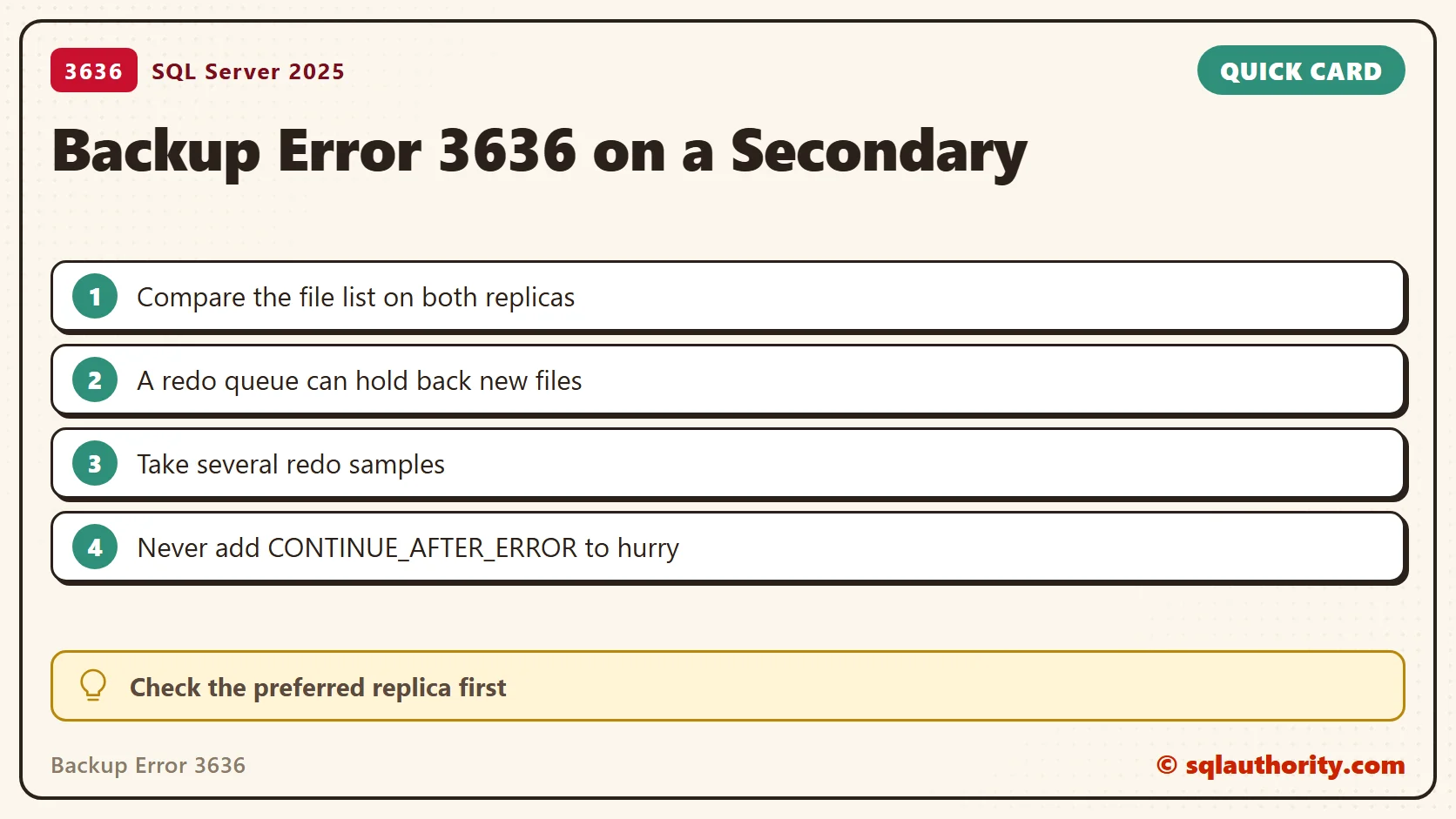
Inspect Redo Progress
This query shows the redo queue for the local copy of each availability group database. Check is_local and is_primary_replica before you read a row. On a primary, the secondary values reflect the latest information received, and they can lag.
SELECT DB_NAME(database_id) AS database_name,
       is_primary_replica,
       synchronization_state_desc,
       is_suspended,
       suspend_reason_desc,
       redo_queue_size / 1048576.0 AS redo_queue_GB,
       redo_rate AS redo_kb_per_second,
       last_redone_time
FROM sys.dm_hadr_database_replica_states
WHERE is_local = 1
ORDER BY database_id;
The queue size is in KB, so the query converts it to GB. Take several samples a few minutes apart. A single redo rate is not a reliable estimate of when the queue will drain. If is_suspended is 1, redo is not moving, and waiting will not help. Compare last_redone_time with the clock. A time that is hours old while the queue grows means redo is behind.
The view needs VIEW SERVER STATE on SQL Server 2019 and earlier. On SQL Server 2022 and later it needs VIEW SERVER PERFORMANCE STATE. Without an availability group the query returns no rows, as it did on my instance.
Check Where Backups Should Run
Log backups on a secondary follow the backup preference of the availability group. This function tells you whether the replica you are connected to is the preferred one for a database. It returned 1 for my scratch database, which is not in a group.
SELECT sys.fn_hadr_backup_is_preferred_replica(N'SalesDemo') AS is_preferred_replica;
Protect the Backup Chain While You Investigate
The error text mentions CONTINUE_AFTER_ERROR and NO_TRUNCATE for a tail-log backup. They are not routine fixes for a metadata problem on a secondary. Do not add them because they appear in the message.
Coordinate any temporary change of backup location with your DBA. Use a healthy replica and a backup type that your SQL Server version supports for that role. Keep the whole restore chain. This diagnosis does not call for a forced failover or a data-loss repair.
I could not reproduce the 500 GB redo queue or a successful secondary log backup. My test instance has no availability group. I ran the queries on SQL Server 2025 and measured their output and the fingerprint change. Confirm the real replica behavior before you pick a recovery action.
BackupMetadata is not a reason to force a repair, it is a prompt to compare the evidence from both replicas.
Published by Pinal Dave on SQLAuthority. More of my work at pinaldave.com.
Discover more from SQL Authority with Pinal Dave
Subscribe to get the latest posts sent to your email.