
CPerIndexMetaQS::ErrorAbort in your SQL Server stack dumps points to index corruption. I share what I learn from client work. You can then follow the same steps instead of waiting for an expert. A reader contacted me about too many dumps.

The Error
This is the top of the stack dump in the ERRORLOG:
***Stack Dump being sent to D:\SYSDATA\MSSQL11.MSSQLSERVER\MSSQL\LOG\SQLDump0870.txt
* BEGIN STACK DUMP:
* 12/12/17 15:00:17 spid 82
* CPerIndexMetaQS::ErrorAbort - Index corruption
What the Reader Sent
The reader had read my post on too many SQLDump files consuming disk space and wrote to me for help. I asked them to share the SQL Server ERRORLOG to understand the cause of the dumps. Before you read on, read 5 Don’ts When Database Corruption Is Detected.
Why It Happens
As soon as I saw the message, it was clear that an index was corrupt in one of the databases. The next question was which index, and how bad the situation was. My search showed that some bugs in SQL Server can cause this kind of corruption, and Microsoft fixed them:
- A fix for nonclustered index corruption from a complex UPDATE statement with a NOLOCK hint.
- A fix for the CPerIndexMetaQS::ErrorAbort index corruption error when you update a partitioned view in SQL Server 2008 R2.
My client was on the latest version, so these fixes were already in place.

How to Check
The next step is to find the database, the table and the index. I asked the client to run DBCC CHECKDB on all databases. They told me they had run it already but had not saved the output. Luckily, SQL Server writes the result to the ERRORLOG, so we found this stack dump for one database:
* BEGIN STACK DUMP:
* 11/01/16 14:56:40 spid 91
* DBCC database corruption
* Input Buffer 98 bytes -
* dbcc checkdb ('ERP')
Start with CHECKDB. If one table has a problem, run CHECKTABLE on that table. I learned three things while working on this:
- When CHECKDB or CHECKTABLE completes, clean or with errors, SQL Server writes a message like this in the ERRORLOG: DBCC CHECKTABLE (DB.dbo.MyTable) executed by YourDomain\YourLogin found XX errors and repaired XX errors. Elapsed time: XX hours XX minutes XX seconds.
- SQL Server also writes the last CHECKDB information in the header of the database file. It is printed in the ERRORLOG when the database restarts, either by offline and online or by a service restart.
- In the output of CHECKDB or CHECKTABLE, read the second last line. It tells you the overall outcome.
Here is the output from our CHECKTABLE:
Msg 8951, Level 16, State 1, Line 3
Table error: table 'ERP.PLANT_HISTORY' (ID 1505608657). Data row does not have a matching index row in the index 'IDX_PLANT_MOVEMENT' (ID 4). Possible missing or invalid keys for the index row matching:
Msg 8955, Level 16, State 1, Line 3
Data row (210:383884:46) identified by (PLANT_ID = 601039677) with index values 'PLANT_ID = 20171224'
Msg 8952, Level 16, State 1, Line 3
There are 93317587 rows in 92419 pages for object "ERP.PLANT_HISTORY".
CHECKTABLE found 0 allocation errors and 1 consistency errors in table 'ERP.PLANT_HISTORY' (object ID 1505608657).
repair_rebuild is the minimum repair level for the errors found by DBCC CHECKTABLE (ERP.ERP.PLANT_HISTORY).
DBCC execution completed. If DBCC printed error messages, contact your system administrator.
CHECKTABLE ran on the PLANT_HISTORY table, and the index with ID 4 has the problem.
The Fix
The best bet is to drop and recreate the index. You can also use repair_rebuild, but then the database has to be in single user mode. So we have two options.
Option 1: Run DBCC with the repair option. This needs the database in single user mode.
ALTER DATABASE Database_Name SET SINGLE_USER
GO
DBCC CHECKTABLE('TABLE_NAME',REPAIR_REBUILD)
GO
Option 2: Drop and recreate the index. This does not need the whole database in single user mode. For this client, rebuilding the index didn’t help.
Confirm It Worked
After any repair, run CHECKDB again and read the second last line of its output.
How to Prevent It
Take backups. If you don’t have them, DBCC REPAIR_ALLOW_DATA_LOSS can cost you an unknown amount of data. Save the full output of every CHECKDB run too, because this client had not.
If you are unsure of the next step, take help from an expert before you act. One wrong step can leave a database unrecoverable.
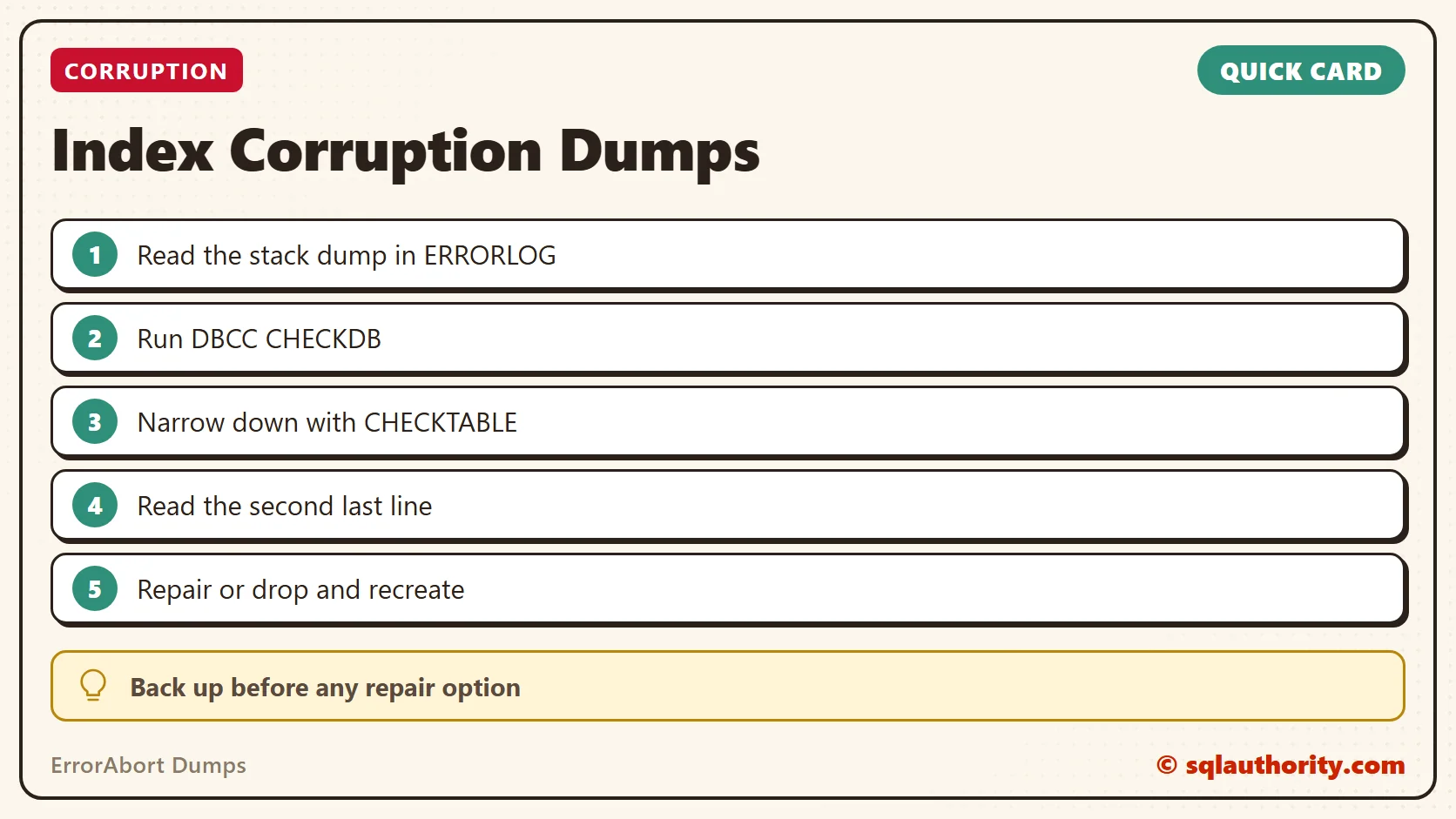
Index corruption is not a reason to panic, it is a reason to read the CHECKTABLE output before you repair.
Published by Pinal Dave on SQLAuthority. More of my work at pinaldave.com.
Discover more from SQL Authority with Pinal Dave
Subscribe to get the latest posts sent to your email.




4 Comments. Leave new
Hi,
Thansk for this good article, its worth mentioning that dropping and re-creating “clustered index” can lead to “Data Loss” , you can drop and re-create “non-clustered index”.
Regards,
Emad Al-Mousa
Unless you perform “repair_allow_data_loss”, I am not aware of any such risk? Do you have any reference link for me to read more or reproduce it?
is there a way to find out which index was corrupted from the sql dump? We cannot run this DBCC check table or db command on the production system
Hello,
We are running SQL 2017 and got an issue from one of the production system that generated too many dumps for the index corruption on a table. I refer the KB2878968 fix but as per my understanding this should have been fix in SQL 2017.
We have an dynamic sql running on a table Delete from table1 where col1 in ( select top N Col1 from table1 with nolock order by Col1 ASC)
Unfortunately we can not run the checkdb command on the production system. This table is < 500K records with 2 string , a datetime2 and float column.. This table has 1 cluster index and 1 non-cluster index,
Is it possible to get the index name from the dump or error log files?
.