Error 0x80040E4D showed up when a maintenance plan could not be saved, because the sa login was locked out. I give quick help to my existing clients on simple issues. Sometimes one is interesting enough that I write a blog post about it.

The Error
The SaveToSQLServer method has encountered OLE DB error code 0x80040E4D (Login failed for user 'sa'.). The SQL statement that was issued has failed.What the Client Saw
John contacted me because a maintenance plan wouldn’t save. It happened after selecting All Databases while creating a backup plan in the maintenance plan wizard.
I searched for SaveToSQLServer and found nothing interesting. The second part of the error was the clue: Login failed for user ‘sa’. John told me it worked after 10 minutes, and that I should use Windows authentication. With Windows authentication, it did work fine.
I took a step back and asked John to explain this behavior. John wasn’t aware of the cause of the automatic login failure.
How to Check
We checked the ERRORLOG and found that the sa login was failing because it was getting locked out. In the login properties, the sa login had Enforce password policy enabled. Then we needed to find out why the account was getting locked, so we used Profiler.
Why It Happens
Profiler showed another maintenance plan that was connected with an old sa password. Its failed logins locked the account, because of the password policy. The domain was set to unlock the account after 10 minutes. That explained why saving worked for some time.

The Fix
The cause points to the way out. Stop the other maintenance plan from using the old sa password, and the lockouts stop. Until then, Windows authentication works.
How to Prevent It
When you change the sa password, update every maintenance plan and job that still uses the old one.
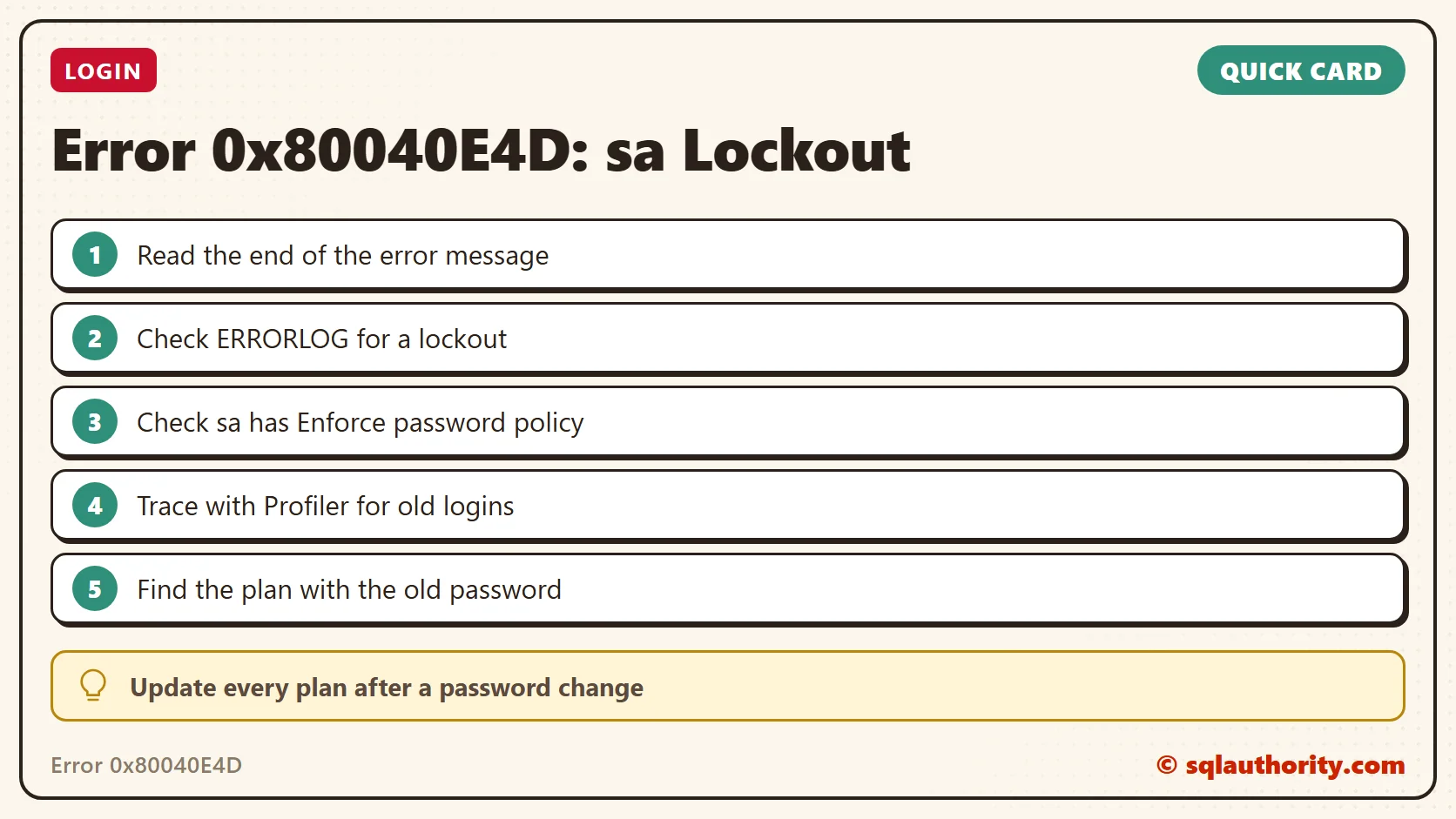
Error 0x80040E4D is not a broken save, it is a locked out sa login.
Published by Pinal Dave on SQLAuthority. More of my work at pinaldave.com.
Discover more from SQL Authority with Pinal Dave
Subscribe to get the latest posts sent to your email.