
Msg 3168 stops the restore of a system database when the backup came from a different build of SQL Server. A client hit by ransomware ran into it while rebuilding a server. I had written about ransomware earlier in Ransomware Protection and Recoverable Offline Backups.

The Error
While restoring master, the client got this error:
Msg 3168, Level 16, State 1, Line 1
The backup of the system database on the device cannot be restored because it was created by a different version of the server (10.50.2550) than this server (10.50.2500).
Msg 3013, Level 16, State 1, Line 1
RESTORE DATABASE is terminating abnormally.
What the Client Saw
One of my clients was hit by ransomware and contacted me. Luckily, they had database backups in another location. All they wanted was to build a new server and go back to the old state.
They had reinstalled the same version of the operating system and the same version of SQL Server. Then they tried to restore all the databases from backup. The restore of master failed with the message above.
Why It Happens
The message is about a version mismatch. To restore a system database backup, two builds must match. One is the build that took the backup. The other is the build of the current server. If they don’t, SQL Server raises this error during the restore.
How to Check
If you get the same error while restoring master, msdb or model, note two things from the message:
- The build on which the backup was taken. That’s the first build number in the message.
- The current build of SQL Server. That’s the second build number.
The Fix
Find the build number you need and download the matching update. Then compare it with the current build:
- If the current build is lower, apply the patch for the desired build.
- If the current build is higher, uninstall the patch (or patches) until both builds are the same.
Confirm It Worked
Run the same restore again after the two builds match. The version check now passes, and the restore can go ahead.
How to Prevent It
Write down the exact build of every production server in your documentation. When a server has to be rebuilt, you’ll know which patch level to install before the first restore.
If you have more ideas or thoughts, please share them in the comments.
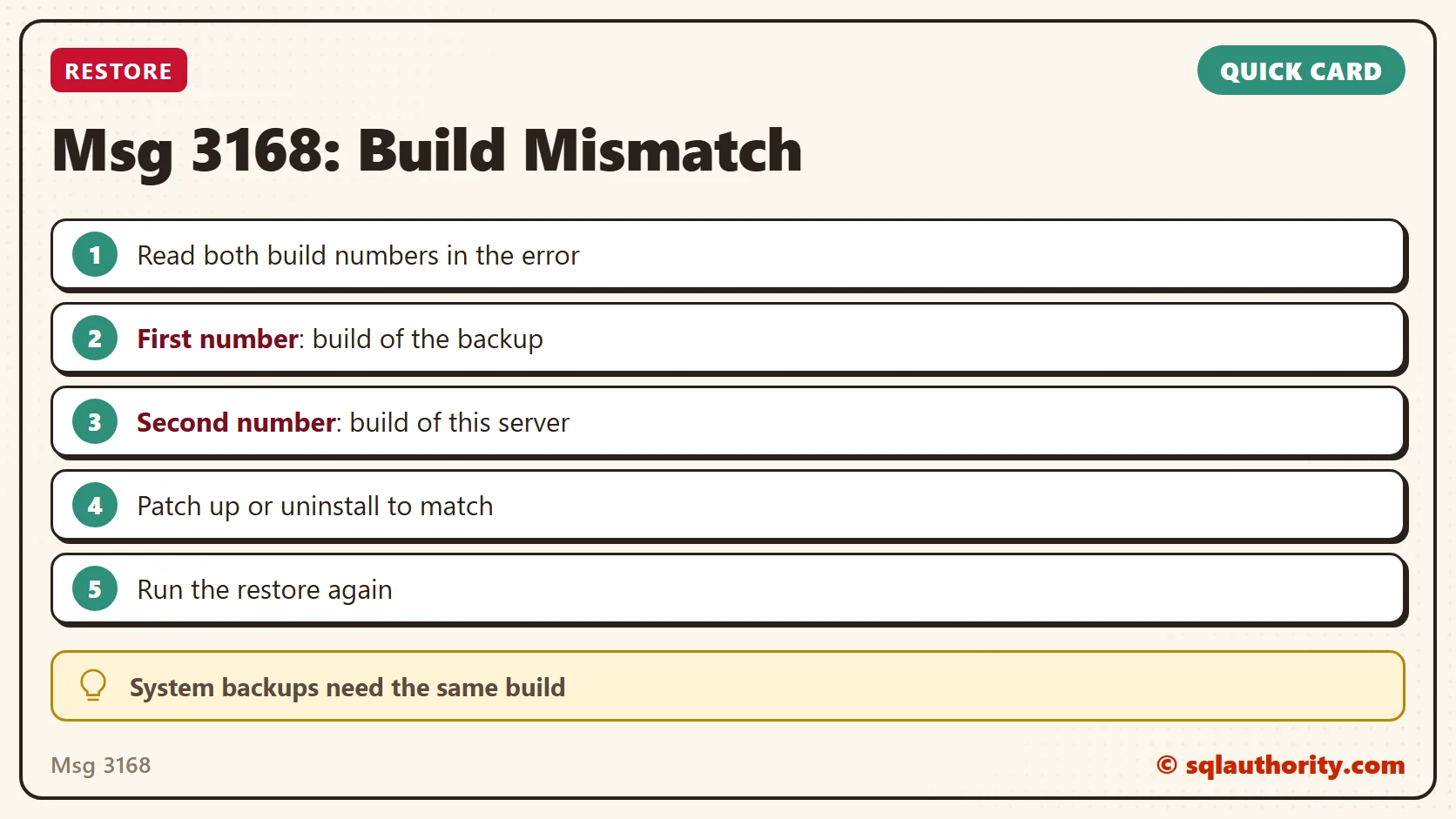
A system database backup is not portable across builds, it is tied to the build that made it.
Published by Pinal Dave on SQLAuthority. More of my work at pinaldave.com.
Discover more from SQL Authority with Pinal Dave
Subscribe to get the latest posts sent to your email.


