
Error 9003 on the master database means your SQL Server service will not start. If you searched for the log scan number message in master, this post is for you. It shows how I fixed it for a client.

The Error
This is what the ERRORLOG showed:
2016-01-27 23:36:41.95 spid9s      Starting up database 'master'.
2016-01-27 23:36:42.04 spid9s      Error: 9003, Severity: 20, State: 6.
2016-01-27 23:36:42.04 spid9s      The log scan number (469:72:10) passed to log scan in database 'master' is not valid. This error may indicate data corruption or that the log file (.ldf) does not match the data file (.mdf). If this error occurred during replication, re-create the publication. Otherwise, restore from backup if the problem results in a failure during startup.
2016-01-27 23:36:42.04 spid9s      Cannot recover the master database. SQL Server is unable to run. Restore master from a full backup, repair it, or rebuild it. For more information about how to rebuild the master database, see SQL Server Books Online.
2016-01-27 23:36:42.04 spid9s      SQL Server shutdown has been initiated
What the Client Saw
My client wanted their SQL Server up and running as soon as possible. I always wish a client has a database backup before the problem happens. In this case, the master database was corrupt.
Why It Happens
The message says the log scan number is not valid. That points to data corruption, or to a log file that does not match the data file. SQL Server can’t recover master, so it shuts down.
That creates a catch. To restore master, we need SQL Server running. To start SQL Server, we need a working master database, and ours was corrupt.

How to Check
Look in the ERRORLOG for error 9003 on database ‘master’, followed by the line “Cannot recover the master database”. That pair tells you the service can’t start because master itself is damaged.
The Fix
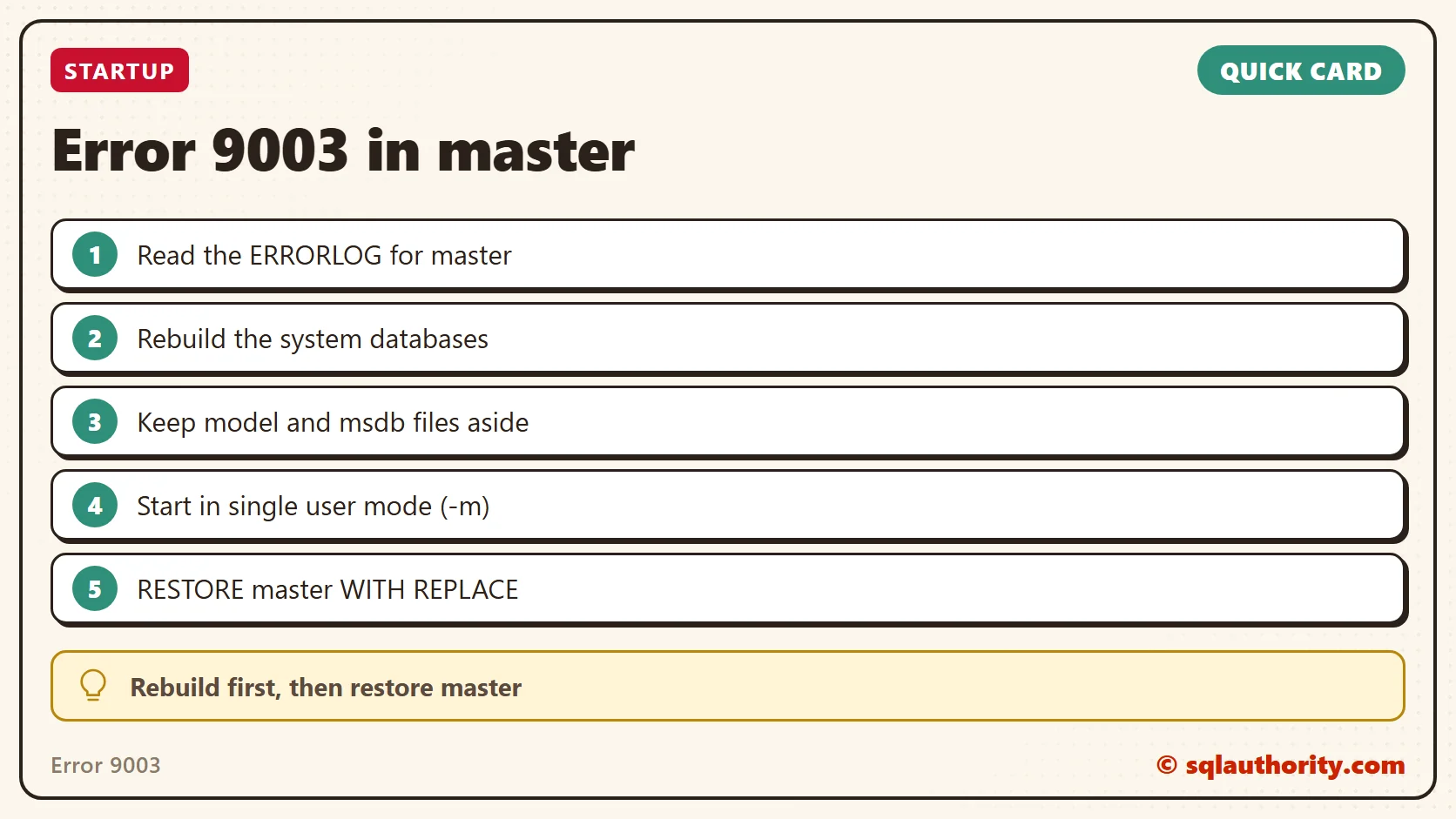
To move forward, we had to rebuild the master database first. This is the command. Replace the instance name to match your installation: for a default instance it is MSSQLSERVER, otherwise use your instance name. The account and password switches need your own values.
setup.exe /QUIET /ACTION=REBUILDDATABASE /INSTANCENAME=MSSQLSERVER /SQLSYSADMINACCOUNTS= /SAPWDKeep in mind that a rebuild also rebuilds the msdb and model databases. It is safe to copy the MDF and LDF files of those databases first. You can put them back after the rebuild is complete.
Once the rebuild is complete, restore the master database like this:
- Start SQL Server in single user mode with the -m parameter.
- Run the T-SQL below to restore master.
RESTORE DATABASE master FROM disk='C:\backup\master.bak' WITH REPLACEConfirm It Worked
After the rebuild and the restore, we brought the SQL Server resource online successfully.
How to Prevent It
Keep a current backup of master. Without one, this fix has nothing to restore from.
A corrupt master is not the end of the instance, it is a rebuild and a restore away.
Published by Pinal Dave on SQLAuthority. More of my work at pinaldave.com.
Discover more from SQL Authority with Pinal Dave
Subscribe to get the latest posts sent to your email.




7 Comments. Leave new
This saved me a lot of time, thank you! But users should be warned though that SQL Server users will be removed from the “Logins” list, and existing databases will be detached from the list of “Databases”. Nevertheless, great article indeed.
Thanks for sharing.
what should we do if we dont have master database backup..?
Very sad to hear that.
When I run thsi command on Command line —- setup.exe /QUIET /ACTION=REBUILDDATABASE /INSTANCENAME=MSSQLSERVER /SQLSYSADMINACCOUNTS= /SAPWD
I’m getting error message setup.exe is not recognized as INTERNAL OR EXTERNAL COMMAND– Please advice
when I run the above command on command line I ‘m getting ” is not recognized as an internal or external command
setup.exe is the installer? I am using SQL Express 2005, and so the setup.exe is the installer of SQL EXPRESS 2005?