
Horizontal and vertical scalability are not an either-or choice. When I wrote Understanding Database Scalability: Vertical and Horizontal, some readers asked me whether it is this or that. Those discussions could fill a course by themselves. There is no one size fits all. We need to understand the fine print: application needs, restrictions, user requirements and more. In this post, I show why they work better together.
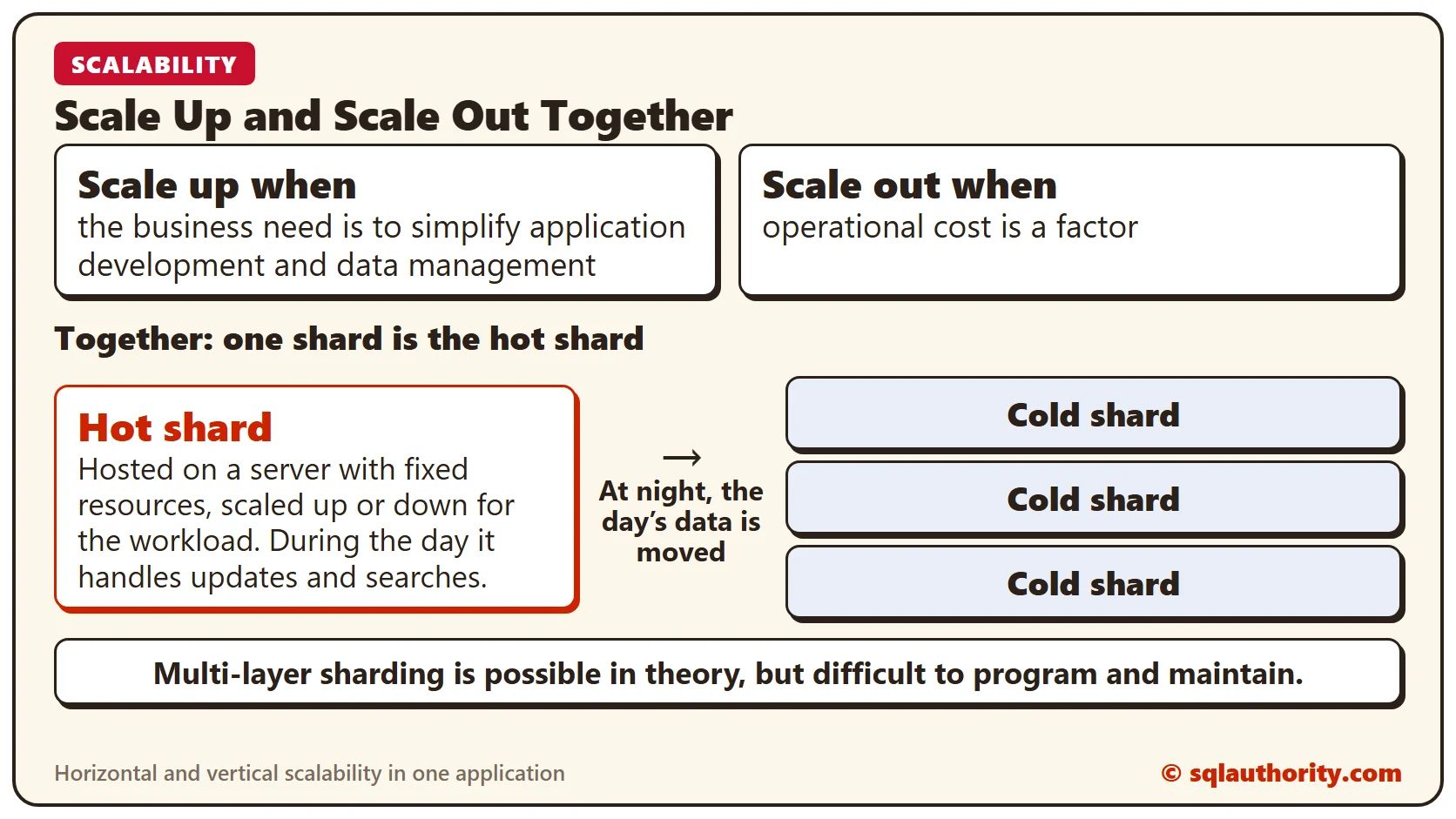
When you design an application, you can combine partitioning options. Scale-up and scale-out are not mutually exclusive. Combining vertical and horizontal elastic scale in an architecture adds complexity during design and development. You can offset that upfront investment with savings in operating costs. The application also gains the flexibility to adapt quickly to changing demands.
Possibilities and Considerations
Here are some possibilities and considerations I see in such architectures:
- Hot shard. You can designate one shard as the “hot shard.” It is hosted on a server with fixed resources, then scaled up or down to match the workload. In a content management system, a hot shard can maximize throughput for updates and searches during the day. That is when users access millions of documents. At night, the day’s data moves to cold shards.
- Scale up when the business need is to simplify application development and data management. Acquiring and provisioning big scale-up systems adds complexity. Still, this works well for reactive situations, when the benefit of boosting resources outweighs the cost of scaling out.
- Scale out when operational cost is a factor. Application development costs and effort tend to rise. The costs and effort of procuring compute and storage are typically acceptable.
- Multi-layer sharding. For more complex scale-out scenarios, it is possible in theory but difficult to program and maintain. You can use several layers of horizontal sharding to split a tenant’s data into shardlets and shards. Several physical database servers host them. In a multitenant solution, a tenant can live in its own data store or share one with other tenants. A tenant can even spread across several data stores if another attribute partitions the data.
There are no set rules for defining shards and scaling databases. I have seen people choose different solutions, and today people like to explore out-of-the-box designs. Most of all, they want automated, self-healing systems with little or no human intervention. I feel that once we know the requirements, the automation is easier to handle.
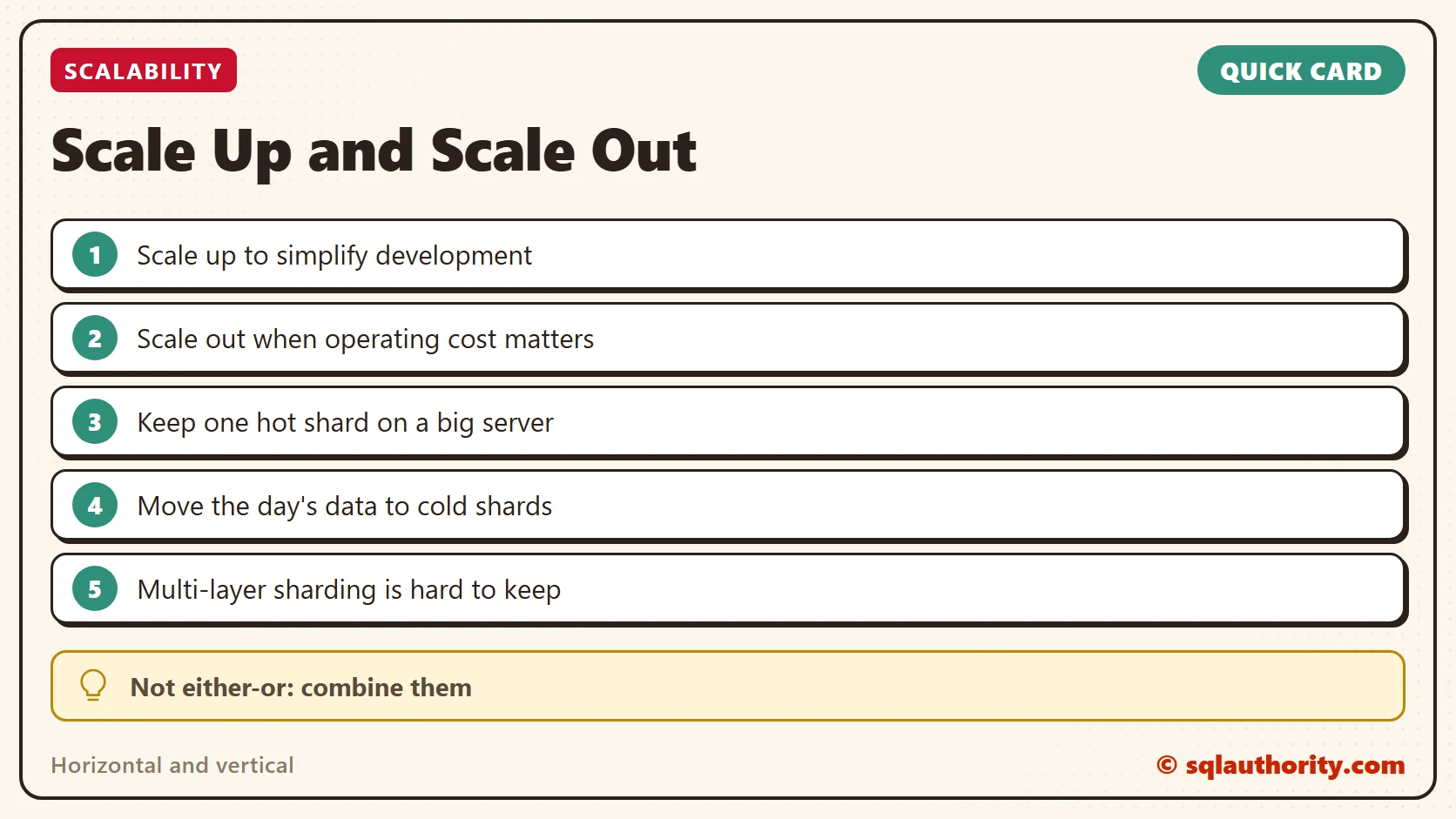
Scale up and scale out are not rivals, they are two tools for one application.
Published by Pinal Dave on SQLAuthority. More of my work at pinaldave.com.
Discover more from SQL Authority with Pinal Dave
Subscribe to get the latest posts sent to your email.




1 Comment. Leave new
Hi Pinal,
I have a table with about 2 million distinct IDs and another table with about 7000 distinct codes plus a varchar(02) flag. I did a simple cross join to create a table with just over 14 billion records. I will update the varchar field accordingly but after that I have to pivot each ID with the 7000 codes into columns creating a giant matrix. I can’t create indexes as the tempdb runs out of space but my bigger concern is the architecture of the columns I need to pivot. What is the best way to build this? I am thinking of creating 8 tables to cover the 7300 columns and joining by the distinct ids due to sql server’s 1024 column limit per table. I hope I have provided enough detail. I have been developing a long time and never encountered this situation. Thanks.