
To encrypt PII data in SQL Server, start by deciding who can see it and where it becomes readable. In Notes from the Field #132, Mike Lawell discussed this concern and SQL Server 2016 encryption. The original guest lesson remains relevant, with important distinctions between encryption approaches.

Mike Lawell’s Original Concern
Mike described a consulting client that stored personally identifiable information in clear text and displayed it on a webpage. The business wanted those values visible for convenience. Mike argued that customer requests shouldn’t replace a careful access decision.
The original article also mentioned a secondhand identity-theft story involving purchases of two cars and a condo. It didn’t establish where that information was exposed. The practical lesson is to protect sensitive information without assuming a particular breach path.
PII includes information that identifies someone directly or when combined with other information. Decide what the application needs to collect, display and retain. Reducing unnecessary exposure matters alongside encryption.
Different Encryption Choices Protect Different Places
Current editorial clarification: the following distinctions update the technical discussion. They aren’t new statements from the guest author.
Transparent Data Encryption (TDE) protects database and log files at rest, including backups of a TDE database. It doesn’t hide values from an authorized query or encrypt the client connection. Protect and retain the required certificate and private key so backups remain recoverable.
Database column or cell-level encryption can encrypt selected values inside SQL Server. It is a valid design when its permissions and key handling match the requirement. It doesn’t automatically protect plaintext in an application or network connection before encryption occurs.
Application-side encryption can encrypt data before it reaches the database. The original article mentioned the .NET cryptography APIs. Using an API is only part of the design: key storage, authenticated encryption and recovery still need careful implementation.
Find the Columns That Hold PII
Editorial example: before choosing a method, list what you store. Searching the column names of a small customer table matched email, phone, birth date and national ID. A name search finds candidates only, so review the result by hand.
CREATE TABLE dbo.Customer (CustomerId int PRIMARY KEY, FullName varchar(60) NOT NULL, Email varchar(80) NOT NULL, Phone varchar(20) NULL, BirthDate date NULL, NationalId varchar(20) NULL, FavoriteTea varchar(30) NULL);
INSERT INTO dbo.Customer VALUES (1, 'Asha Rao', 'asha@example.com', '555-0101', '1988-03-14', 'A1234567', 'Assam'), (2, 'Bharat Shah', 'bharat@example.com', '555-0102', '1975-11-02', 'B7654321', 'Darjeeling');
SELECT s.name AS SchemaName, t.name AS TableName, c.name AS ColumnName, ty.name AS DataType
FROM sys.columns AS c JOIN sys.tables AS t ON t.object_id = c.object_id JOIN sys.schemas AS s ON s.schema_id = t.schema_id JOIN sys.types AS ty ON ty.user_type_id = c.user_type_id
WHERE c.name LIKE N'%mail%' OR c.name LIKE N'%phone%' OR c.name LIKE N'%birth%' OR c.name LIKE N'%national%' OR c.name LIKE N'%ssn%' OR c.name LIKE N'%passport%' OR c.name LIKE N'%address%'
ORDER BY t.name, c.column_id;
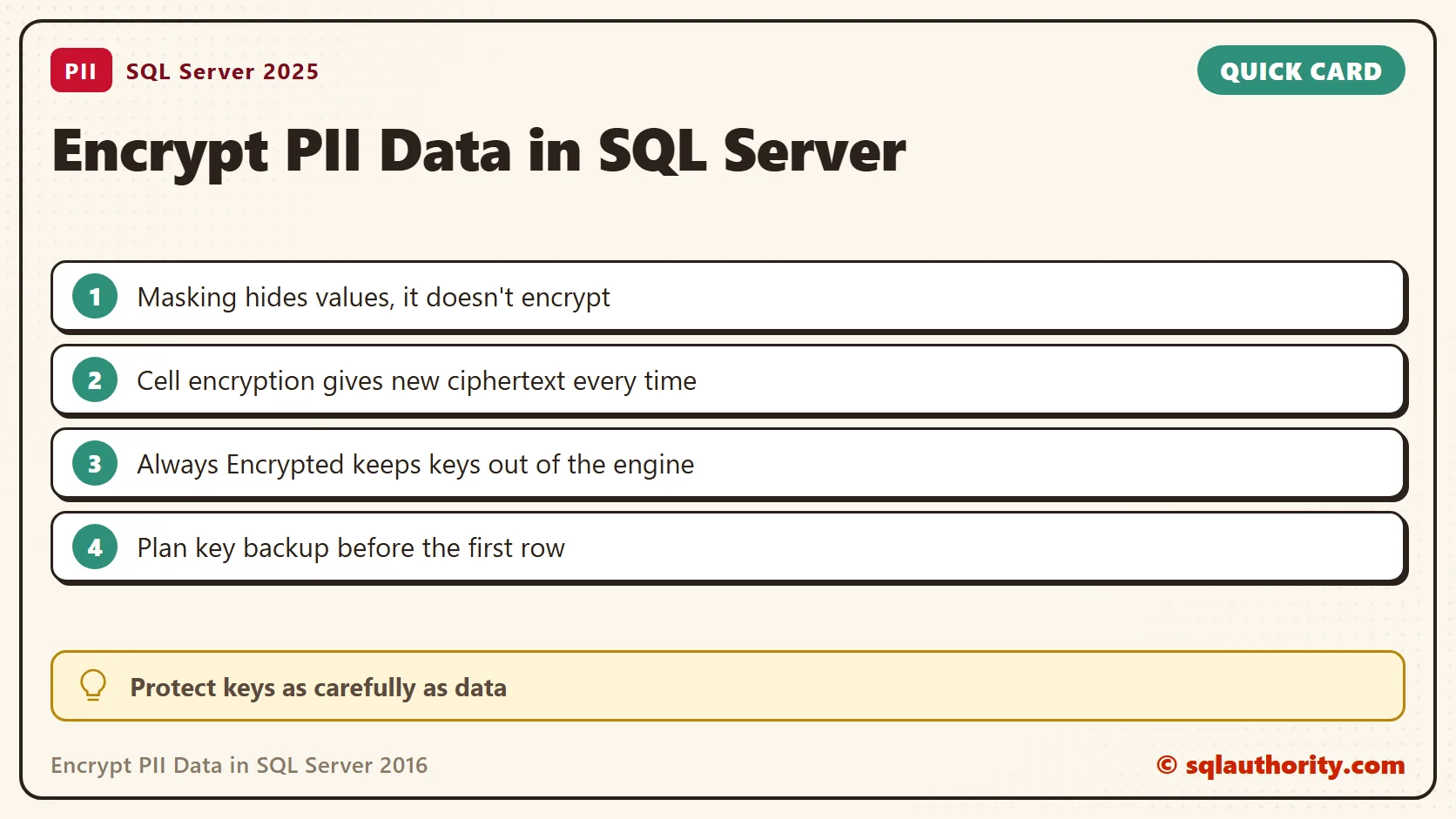
Masking Hides Values, It Doesn’t Encrypt Them
Dynamic data masking changes what a query returns for users without the UNMASK permission. The stored data stays as it is. A user without that permission saw aXXX@XXXX.com, XXX-0101 and 1900-01-01.
ALTER TABLE dbo.Customer ALTER COLUMN Email ADD MASKED WITH (FUNCTION = 'email()');
ALTER TABLE dbo.Customer ALTER COLUMN Phone ADD MASKED WITH (FUNCTION = 'partial(0,"XXX-",4)');
ALTER TABLE dbo.Customer ALTER COLUMN BirthDate ADD MASKED WITH (FUNCTION = 'default()');
CREATE USER ReportUser WITHOUT LOGIN;
GRANT SELECT ON dbo.Customer TO ReportUser;
EXECUTE AS USER = 'ReportUser';
SELECT CustomerId, Email, Phone, BirthDate FROM dbo.Customer ORDER BY CustomerId;
SELECT CustomerId FROM dbo.Customer WHERE BirthDate > '1980-01-01';
SELECT CustomerId FROM dbo.Customer WHERE Email = 'asha@example.com';
REVERT;
The two filters returned customer 1 anyway. A user who can filter on a masked column can guess its real value, one query at a time. Masking reduces casual exposure and doesn’t replace access control or encryption.
Cell-Level Encryption in Practice
A symmetric key, protected by a certificate, encrypts the national ID into a varbinary column. The password is a placeholder in a scratch database. In a real database, keep key backups and passwords where the application can’t read them.
CREATE MASTER KEY ENCRYPTION BY PASSWORD = N'YourLongRandomPassword-1!';
CREATE CERTIFICATE PiiCert WITH SUBJECT = N'PII column key protection';
CREATE SYMMETRIC KEY PiiKey WITH ALGORITHM = AES_256 ENCRYPTION BY CERTIFICATE PiiCert;
CREATE TABLE dbo.CustomerSecret (CustomerId int PRIMARY KEY, NationalIdEnc varbinary(256) NOT NULL);
OPEN SYMMETRIC KEY PiiKey DECRYPTION BY CERTIFICATE PiiCert;
INSERT INTO dbo.CustomerSecret (CustomerId, NationalIdEnc)
SELECT CustomerId, ENCRYPTBYKEY(KEY_GUID(N'PiiKey'), NationalId) FROM dbo.Customer;
SELECT CustomerId, NationalIdEnc FROM dbo.CustomerSecret ORDER BY CustomerId;
SELECT CustomerId, CONVERT(varchar(20), DECRYPTBYKEY(NationalIdEnc)) AS NationalId FROM dbo.CustomerSecret ORDER BY CustomerId;
SELECT CASE WHEN ENCRYPTBYKEY(KEY_GUID(N'PiiKey'), 'A1234567') = ENCRYPTBYKEY(KEY_GUID(N'PiiKey'), 'A1234567') THEN 'same ciphertext' ELSE 'different ciphertext' END AS TwoEncryptions;
SELECT CustomerId FROM dbo.CustomerSecret WHERE CONVERT(varchar(20), DECRYPTBYKEY(NationalIdEnc)) = 'A1234567';
SELECT CustomerId FROM dbo.CustomerSecret WHERE NationalIdEnc = ENCRYPTBYKEY(KEY_GUID(N'PiiKey'), 'A1234567');
CLOSE SYMMETRIC KEY PiiKey;
SELECT CustomerId, CONVERT(varchar(20), DECRYPTBYKEY(NationalIdEnc)) AS NationalIdAfterClose FROM dbo.CustomerSecret ORDER BY CustomerId;
The stored values were unreadable bytes, and the same text encrypted twice gave different bytes. Decryption worked while the key was open and returned NULL after CLOSE SYMMETRIC KEY. Searching has a cost. A filter on the decrypted value found customer 1, but it must decrypt every row. A filter on the ciphertext found nothing, because the bytes never repeat.
What Always Encrypted Adds
Always Encrypted arrived in SQL Server 2016. An enabled client driver encrypts selected values before sending them to SQL Server and decrypts authorized results. In the original design without secure enclaves, the Database Engine doesn’t receive plaintext keys.
Column encryption keys encrypt the data. Column master keys protect those keys and live in a trusted store outside the database. Separate key access from database administration when the goal is to prevent administrators from reading protected values.
- Deterministic encryption supports equality operations such as point lookups, compatible equality joins, grouping and indexing. Repeated values produce repeated ciphertext, which can reveal patterns.
- Randomized encryption without secure enclaves provides stronger protection against those repeated-value patterns. It doesn’t support searching, grouping, indexing or joining on the encrypted column.
These are not unrestricted substitutes for ordinary columns. Check supported data types, collations and driver behavior. Test the application queries, including correctly typed parameters, before you select the encryption design.
To see which columns use Always Encrypted, query the catalog. It returns no rows when none do.
SELECT t.name AS TableName, c.name AS ColumnName, c.encryption_type_desc AS EncryptionType, k.name AS ColumnEncryptionKey
FROM sys.columns AS c
JOIN sys.tables AS t ON t.object_id = c.object_id
JOIN sys.column_encryption_keys AS k ON k.column_encryption_key_id = c.column_encryption_key_id
WHERE c.encryption_type IS NOT NULL
ORDER BY t.name, c.column_id;
The same lab shows why the driver matters. A plaintext value for an encrypted column, sent from an ordinary query window, failed with Msg 206. A plaintext variable failed with Msg 33277. Only the client can encrypt, so the engine refuses plaintext.
Later Versions and the Rest of the Application
SQL Server 2019 and later support Always Encrypted with secure enclaves on Windows. This allows additional operations within a protected memory area. Its requirements and query support differ from the original SQL Server 2016 feature.
Encryption doesn’t decide what an authenticated application user should see. Keep authorization checks, encrypted connections and access auditing. Also review exports, logs and support screens, where an application can expose decrypted values.
Test key access, rotation and recovery with representative application behavior before deployment. A protected database is still unusable if the required keys are lost. A successful encrypted insert isn’t the complete security test.
PII protection is not one encryption switch, it is control over data access, exposure and keys.
Published by Pinal Dave on SQLAuthority. More of my work at pinaldave.com.
Discover more from SQL Authority with Pinal Dave
Subscribe to get the latest posts sent to your email.




1 Comment. Leave new
Hi Pinal
How does this compare to the feature in Azure called Transparent Data Encryption?
Thanks, Jerry