
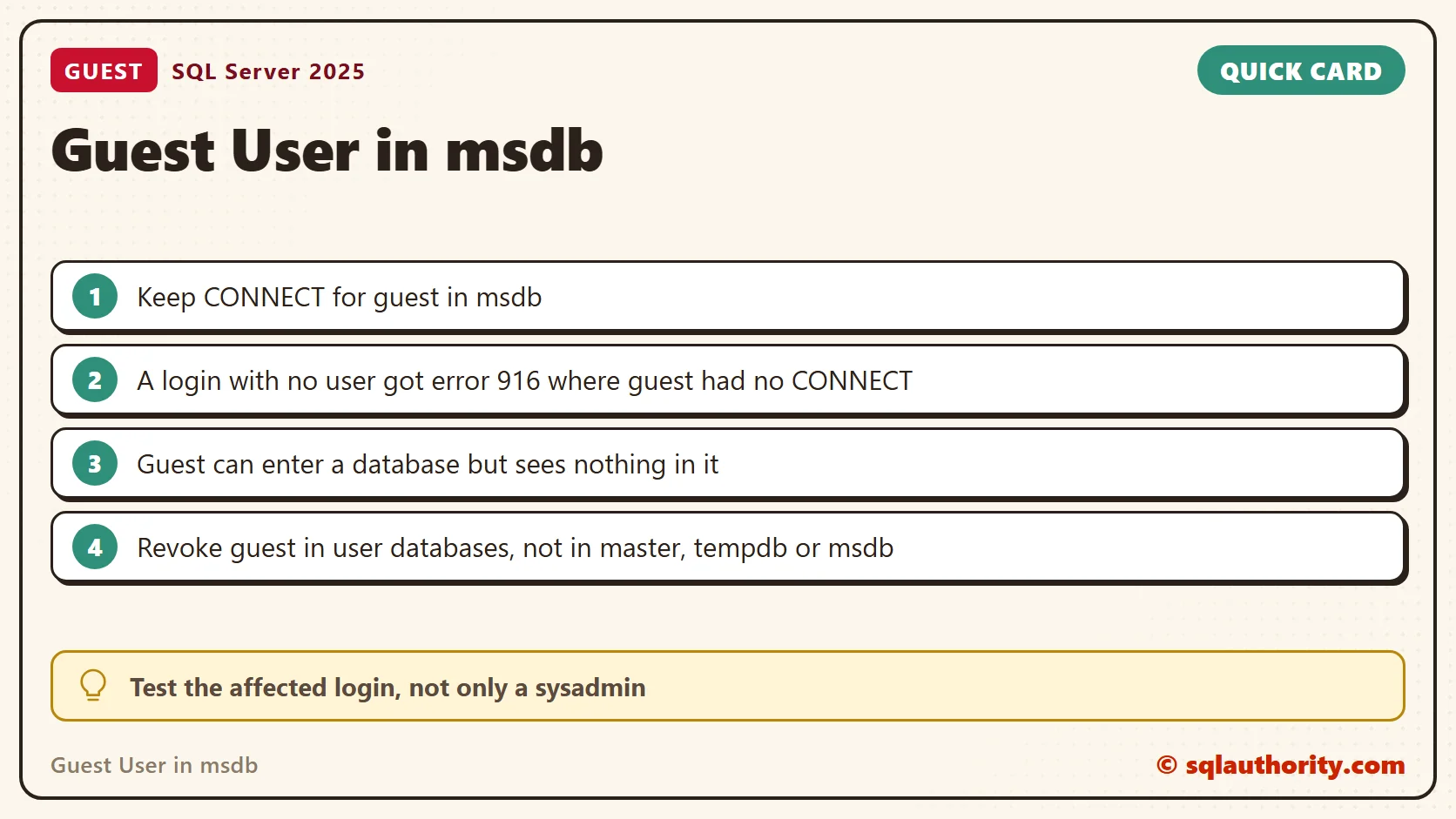
The guest user in msdb needs CONNECT access for certain SQL Server features. This differs from the usual advice for user databases. Removing guest access from msdb can cause error 916 for affected logins.

My earlier articles about guest access prompted a useful question: why keep it enabled in msdb? The answer depends on the database and the feature using it. A rule for user databases should not be applied blindly to system databases. I reproduced the error in a test database on SQL Server 2025.
Why Does msdb Need the guest User?
Guest provides database access for a login that has no mapped user there. Certain SQL Server features need this access in msdb. For example, Object Explorer can query msdb while it displays database policy information.
Without the required access, an affected login can receive error 916 when expanding the Databases node. A sysadmin connection can hide this problem, because a sysadmin enters every database. Check the affected login as well as the administrative connection.
Check the Explicit CONNECT Permission
Run this read-only query with an administrative account. It reads msdb’s database permissions from any database, and it changes nothing. On my instance it returned GRANT, which means CONNECT is explicitly granted to guest.
SELECT N'msdb' AS database_name, N'guest' AS database_user,
       COALESCE((SELECT p.state_desc
                 FROM msdb.sys.database_permissions AS p
                 JOIN msdb.sys.database_principals AS u ON u.principal_id = p.grantee_principal_id
                 WHERE u.name = N'guest' AND p.class = 0 AND p.permission_name = N'CONNECT'),
                N'NO EXPLICIT CONNECT') AS connect_permission;
DENY or NO EXPLICIT CONNECT warrants investigation. This query reports that one permission entry. It does not evaluate every permission available through roles or other mappings.
See Error 916 in a Test Database
I did not change msdb to test this. I built a small database called GuestDemo and a SQL login called TeaReader with no user in any database. A new database starts with guest disabled, which makes it a safe stand-in for a msdb without guest access.
CREATE DATABASE GuestDemo;
GO
CREATE TABLE GuestDemo.dbo.Teas (TeaId int PRIMARY KEY, TeaName varchar(20));
INSERT GuestDemo.dbo.Teas VALUES (1, 'Assam');
GO
EXECUTE AS LOGIN = N'TeaReader';
SELECT SUSER_SNAME() AS LoginName, HAS_DBACCESS(N'msdb') AS CanEnterMsdb, HAS_DBACCESS(N'GuestDemo') AS CanEnterGuestDemo;
REVERT;
The login could enter msdb, through guest, and could not enter GuestDemo. Now ask the login to read GuestDemo. The query fails with error 916, and the message names both the login and the database.
EXECUTE AS LOGIN = N'TeaReader';
BEGIN TRY
    SELECT COUNT(*) AS DemoObjects FROM GuestDemo.sys.objects;
END TRY
BEGIN CATCH
    SELECT ERROR_NUMBER() AS ErrorNumber, ERROR_MESSAGE() AS ErrorMessage;
END CATCH;
REVERT;
A USE GuestDemo statement from that login raised the same error. The login connected fine. The database refused it. That is the shape of the msdb problem too.
Restore Guest Access Where It Belongs
An authorized administrator can restore CONNECT after confirming that disabled guest access caused the problem. In msdb the repair is the single statement GRANT CONNECT TO guest;, run after USE msdb;. I did not run it, because msdb on my instance already had the permission. I ran the same grant in GuestDemo.
USE GuestDemo;
GO
GRANT CONNECT TO guest;
GO
USE master;
GO
EXECUTE AS LOGIN = N'TeaReader';
SELECT HAS_DBACCESS(N'GuestDemo') AS CanEnterGuestDemo;
SELECT COUNT(*) AS DemoObjects FROM GuestDemo.sys.objects;
BEGIN TRY
    SELECT TeaName FROM GuestDemo.dbo.Teas;
END TRY
BEGIN CATCH
    SELECT ERROR_NUMBER() AS ErrorNumber, ERROR_MESSAGE() AS ErrorMessage;
END CATCH;
REVERT;
After the grant, the login could enter the database. It saw no objects, and reading the Teas table failed with error 229, permission denied. CONNECT lets guest in and nothing more. Do not add roles to guest as a shortcut. CONNECT access does not call for database-owner permissions.
When Error 916 Appears
Read the message first. It names the login and the database. Then repeat the test as that login, not as yourself. HAS_DBACCESS returns 0 when the login cannot enter the database. If the database is msdb, check the guest permission with the query above. If it is a user database, decide whether the login needs a real user there. A real user is better than leaving guest on for everyone.
User Databases Are Different
Revoke guest access in a user database when it is not required. Review the application requirements and existing grants first. I revoked it in GuestDemo and the login lost access again. Keep master, tempdb and msdb out of that blanket cleanup.
USE GuestDemo;
GO
REVOKE CONNECT FROM guest;
GO
USE master;
GO
EXECUTE AS LOGIN = N'TeaReader';
SELECT HAS_DBACCESS(N'GuestDemo') AS CanEnterGuestDemo;
REVERT;
List Every Database Where Guest Can Connect
To audit an instance, build one query across the databases. This version only reads catalog views. I limited it to the four system databases and GuestDemo. Remove the filter to cover every online database. On my instance, it showed GRANT for master, msdb and tempdb. Model and GuestDemo showed NO EXPLICIT CONNECT.
DECLARE @sql nvarchar(max);
SELECT @sql = STRING_AGG(CAST(CONCAT(
    N'SELECT N', QUOTENAME(d.name, ''''), N' AS database_name, COALESCE((SELECT p.state_desc FROM ',
    QUOTENAME(d.name), N'.sys.database_permissions AS p JOIN ', QUOTENAME(d.name),
    N'.sys.database_principals AS u ON u.principal_id = p.grantee_principal_id WHERE u.name = N''guest'' AND p.class = 0 AND p.permission_name = N''CONNECT''), N''NO EXPLICIT CONNECT'') AS connect_permission') AS nvarchar(max)),
    CONCAT(CHAR(10), N'UNION ALL', CHAR(10)))
FROM sys.databases AS d
WHERE d.state_desc = N'ONLINE' AND (d.database_id <= 4 OR d.name = N'GuestDemo');
EXEC sys.sp_executesql @sql;
Related Discussions
- Guest access in user databases
- A login that is still connected
- Detecting guest permissions and access status
Guest access is not a blanket setting, it is a database-specific permission decision.
Published by Pinal Dave on SQLAuthority. More of my work at pinaldave.com.
Discover more from SQL Authority with Pinal Dave
Subscribe to get the latest posts sent to your email.




3 Comments. Leave new
Hello Sir,
The below query is showing status as GRANT always in my system, no matter guest user is disabled or enabled.
USE msdb;
SELECT name, permission_name, state_desc
FROM sys.database_principals dp
INNER JOIN sys.server_permissions sp
ON dp.principal_id = sp.grantee_principal_id
WHERE name = ‘guest’ AND permission_name = ‘CONNECT’
What I have to do if I want to enable guest?
The guest will have permission to edit records in sharepoint?
What to do to enable anonimous to edit records in sharepoint?
Under section:
Q: How can I determine if the guest user is enabled or disabled for any specific database?
This is the query to use to determine. The one shown joins to sys.server_permissions which is not relevant to a particular database:
SELECT dp.name,
perm.permission_name,
perm.state_desc
FROM sys.database_principals dp
INNER JOIN sys.database_permissions perm ON dp.principal_id = perm.grantee_principal_id
WHERE dp.name = ‘guest’
AND perm.permission_name = ‘CONNECT’;