
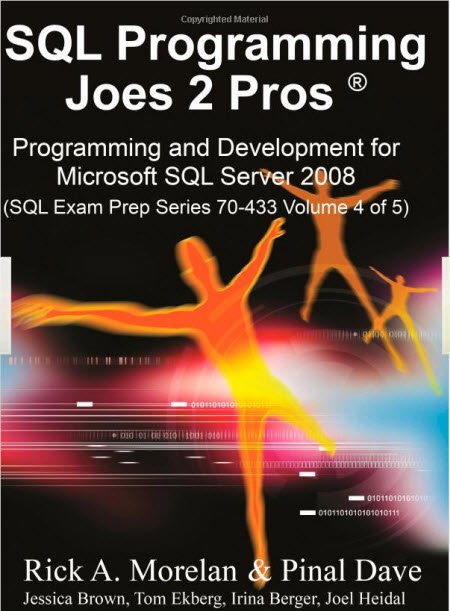
I am feeling very good to write this short blog post. My book is now officially available on in India and USA.
In India you can get it from Flipkart –
In USA you can get it from Amazon –
This book is just like this blog and contains all the complex subject in very simple manner. I am confident that you will for sure like this book if you like this blog.
Here is quick secret for you – there is big surprise in September for all those who own this book.
Published by Pinal Dave on SQLAuthority. More of my work at pinaldave.com.



4 Comments. Leave new
Dear Pinal,
I’m hooked to your blog for last few months. The contents are really informative and treasure. I’m glad that you have given it a shape of book. It will definitely help lot of people.
Wishing you very best.
Can you please tell me about types of stored procedures?
wonderful – Great to hear – All the Best Pinal
Rishi Mehta (PMP, CSM)
Hi there,
i am newbie on SQL and i have a question about Query.please help me.
i want to write a READ method on Query SQl Server 2008, but i always get LIST method at the end, can you help me to solved it?
here my SQL SP Syntax :
CREATE PROCEDURE [dbo].[ssp_CheckOverloadBudget]
@pPropId INT,
@pTotalAmount DECIMAL (18,0)
AS
BEGIN
— DECLARE VARIABLE
DECLARE @vResult NVARCHAR(5);
— SET DEFAULT VALUE
SET NOCOUNT ON;
— SUMMARY BUDGET
IF EXISTS ( SELECT
MBU.BudgetUsed
FROM DocProposalHeader DP
INNER JOIN DocProposalDetail DD ON DD.DocProposalHeaderID=DP.ID
INNER JOIN MasterBudget MB ON MB.ID=DD.MasterBudgetID
INNER JOIN MasterBudgetUsed MBU ON MBU.MasterBudgetID=MB.ID
WHERE DP.ID = @pPropId
AND MBU.BudgetUsed>MB.CurrentBudget)
SET @vResult = ‘YES’;
ELSE
SET @vResult = ‘NO’;
–RETURN VALUE
SELECT @vResult AS Result, @pPropId AS PropId;
—
SET NOCOUNT OFF;
END;
once again thanks you.
Regards
Bambang