
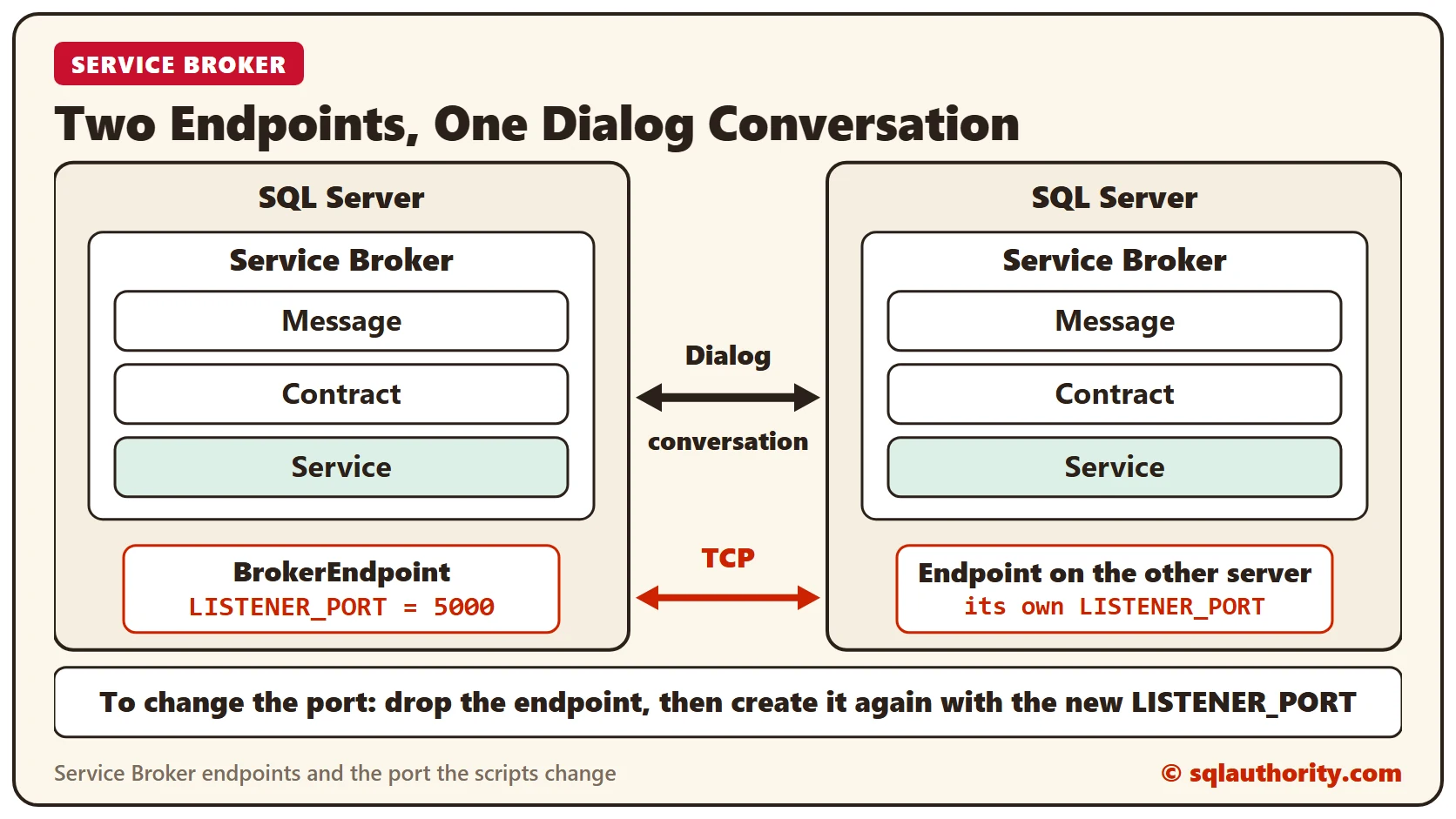
To change Service Broker port, drop the old endpoint and create a new one on another port. This post follows my introduction to Service Broker and my post on error 9692.
Why Change the Port
Two days ago I wrote a short note, Introduction to Service Broker. Yesterday I wrote about error 9692. There, Service Broker threw an error because another application used the same port.
One option was to configure Service Broker on a port that the other application does not use. I got a couple of requests to show how to do that, so here it is.
Script 1: Create the Service Broker Endpoint
This script creates the endpoint on a specific port, with the authentication Service Broker needs. The example uses port 5000.
USE master;
GO
CREATE ENDPOINT BrokerEndpoint
STATE = STARTED
AS TCP ( LISTENER_PORT = 5000)
FOR SERVICE_BROKER ( AUTHENTICATION = WINDOWS );
GO
Script 2: Drop the Service Broker Endpoint
This script drops the endpoint. Together, the two scripts move Service Broker to a different port. Drop the old endpoint, then create it again on the new port.
USE master ;
GO
DROP ENDPOINT BrokerEndpoint ;
GO
Do you know a way to change the port without dropping and creating the endpoint? Please share your method in the comments.
What Service Broker Is Built For
Service Broker is designed around the basic functions of sending and receiving messages. Each message forms part of a conversation, and each conversation is a reliable, persistent communication channel. Each message and conversation has a specific type, which helps developers write reliable applications.
The framework gives you a simple Transact-SQL interface for sending and receiving messages. It comes with strong guarantees for message delivery and processing. A program receives each message in a conversation exactly once. Messages arrive in the order they were sent, not the order they entered the queue.
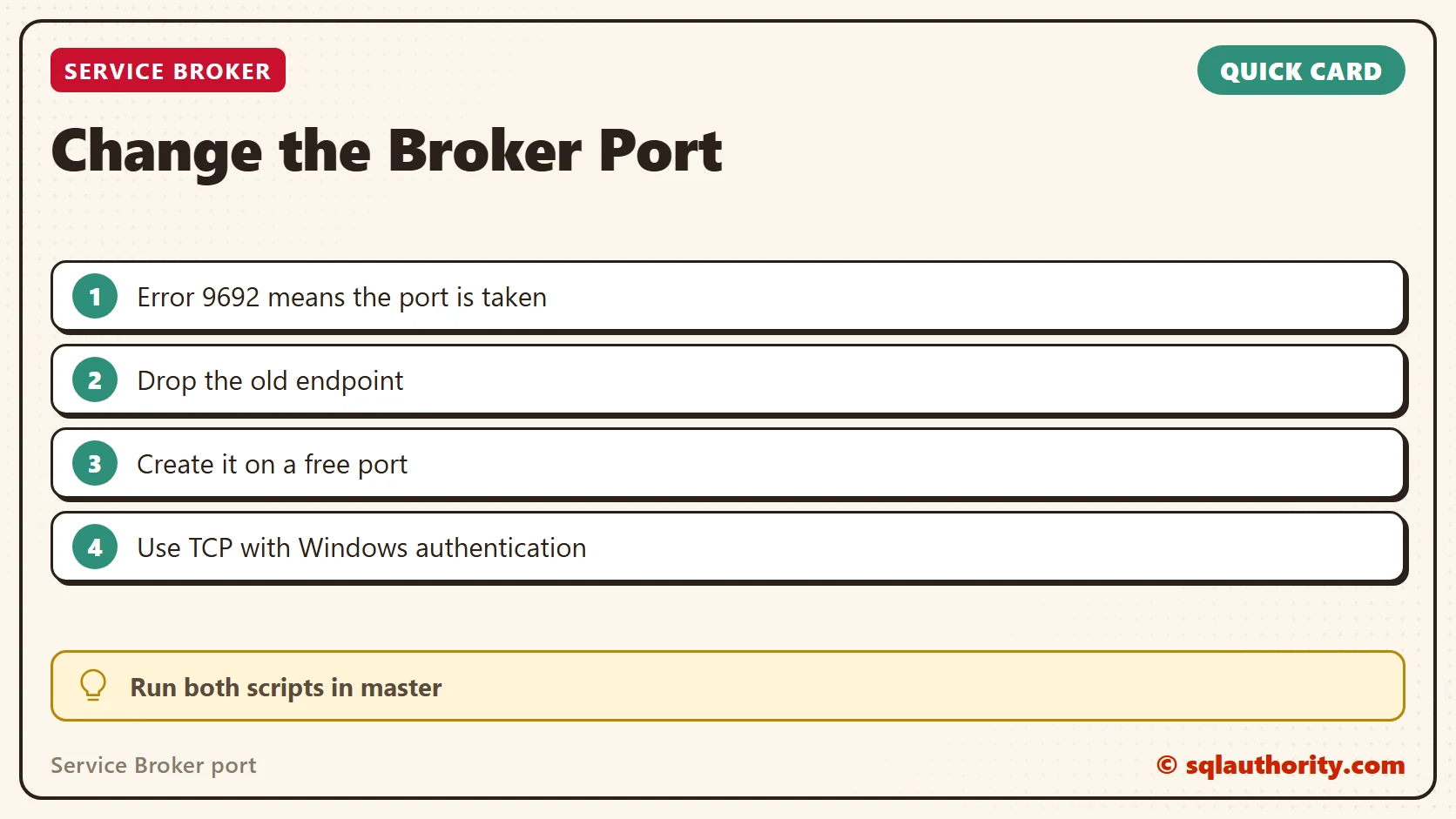
A port clash is not a broken Service Broker, it is two programs claiming one port.
Published by Pinal Dave on SQLAuthority. More of my work at pinaldave.com.
Discover more from SQL Authority with Pinal Dave
Subscribe to get the latest posts sent to your email.




3 Comments. Leave new
Mr Dave,
You can use the Alter statement like the following:
ALTER ENDPOINT BrokerEndpoint
AS TCP (LISTENER_PORT = 53000)
Good solution William
I agree Veeresh. Thanks William.