

A secondary server sitting idle as a backup feels like a waste. In Notes from the Field #107, Kenneth Urena shows how to make it readable in Standard Edition.
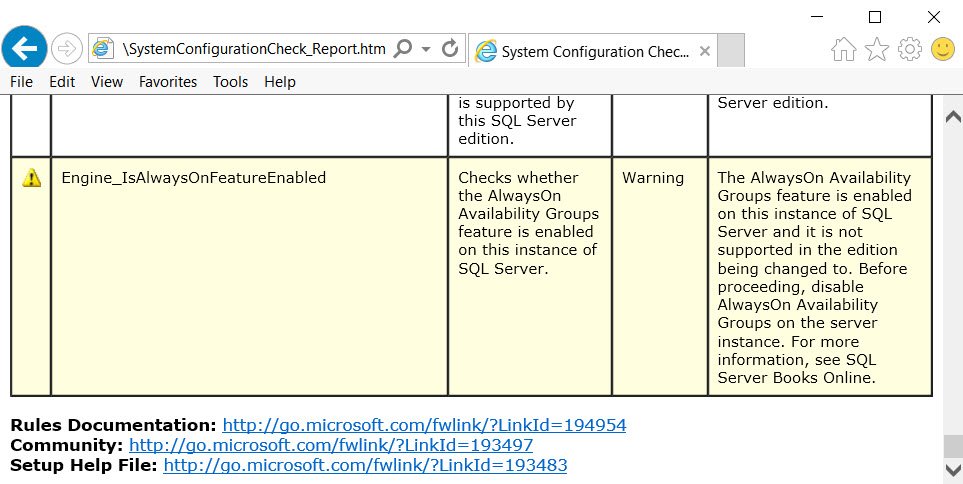
SQL SERVER – Edition Upgrade from Evaluation to Enterprise Core – AlwaysOn Warning!
Upgrading SQL Server from Evaluation to Enterprise Core, setup warned that AlwaysOn Availability Groups is enabled. Here is what the edition upgrade check means.

SQL SERVER – Adding File to Database in AlwaysOn Availability Group
A classic interview question: what happens when adding file to database in an AlwaysOn Availability Group? Here is the answer, with the basics first.
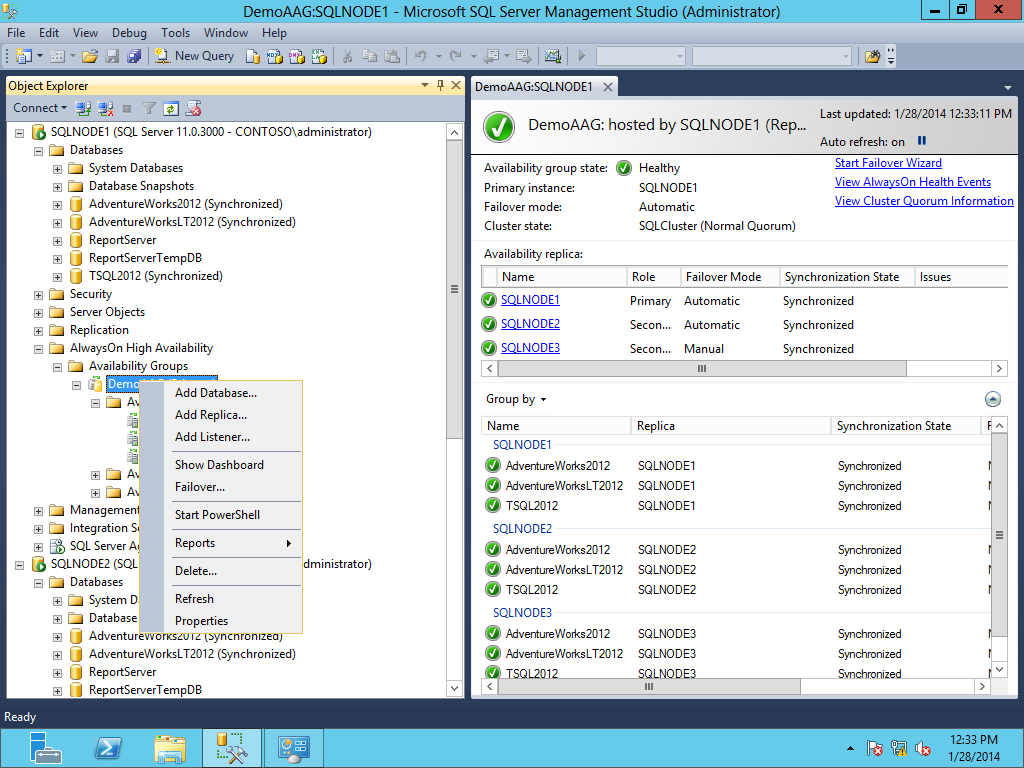
SQL SERVER – Migration of SQL Server 2012 Database Mirroring to AlwaysOn Availability Group
Migration of SQL Server 2012 database mirroring to AlwaysOn Availability Group can be tricky. Here is the setup and the migration process, step by step.

SQL SERVER – Get High Availability with SQL Server 2012
SQL Server 2012 offers several High Availability options, including up to four active secondaries. Here is what they give you and how a course can help.

Distributed Availability Groups: Linking Two Sites Without One Big Cluster
Understand distributed availability groups, connect two existing groups across sites, inspect health, and plan recovery without one cluster.

Offloading Reports to a Readable Secondary
Readable secondary replicas can serve reports away from a SQL Server primary; learn routing, lag, licensing, and query differences to test.