
The more you read the more you learn. But some of the best learnings need not come from known sources. These can be accidental too. These learnings in my opinion involves tons of exploration which you would have never done before. This blog post today is something on the similar lines. I never knew there was one more version of SQL out there. On further exploration, have you ever seen Errorlog like below? It said Windows Internal Database, an edition I had never seen.
2015-09-29 14:17:11.17 Server Microsoft SQL Server 2012 – 11.0.2100.60 (X64)
Feb 10 2012 19:39:15
Copyright (c) Microsoft Corporation
Windows Internal Database (64-bit) on Windows NT 6.2 <X64> (Build 9200: ) (Hypervisor)
This content was a surprise for me because I have seen various other version listed on highlighted area, like standard, enterprise and developer but I have never seen this version – “Windows Internal Database” before. I got little curious and tried to find more about this. Just like how curiosity killed the cat, I couldn’t stop doing the research and do a few pings to my various friends to get to the bottom of this version. Here are my findings:
- This edition of SQL Server is installed via “Add Features” in “Server Manager”
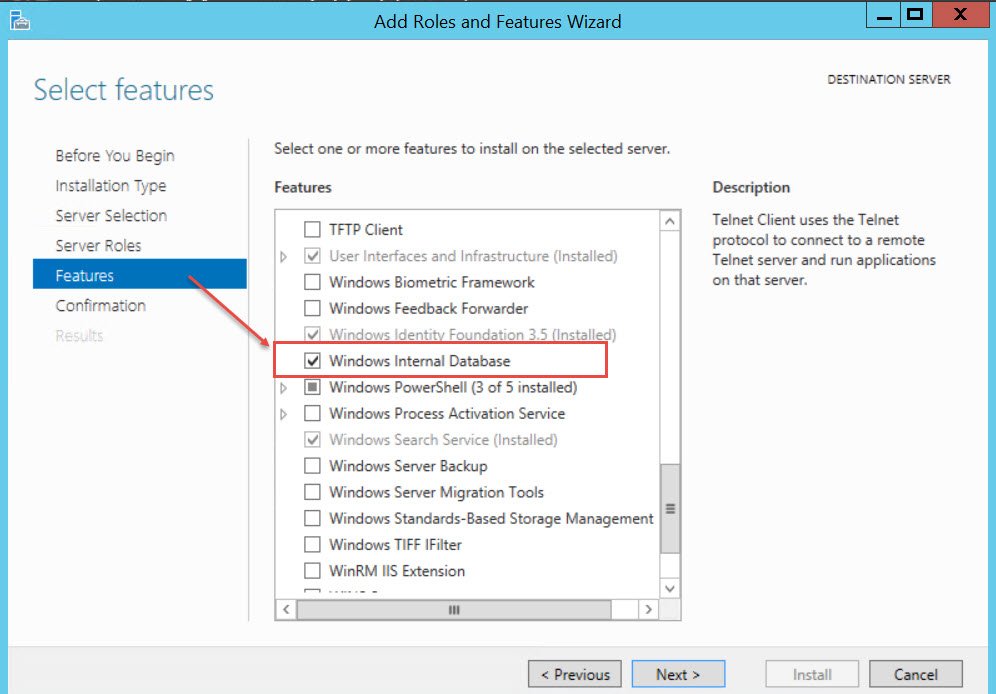
- This is used by many windows features like: Windows SharePoint Services, Windows Server Update Services (WSUS), Active Directory Rights Management Services (AD RMS), Windows System Resource Manager (WSRM), UDDI Services, Remote Desktop Management Services.
- This doesn’t allow remote connection. Hence I wanted to figure out a way to connect next.
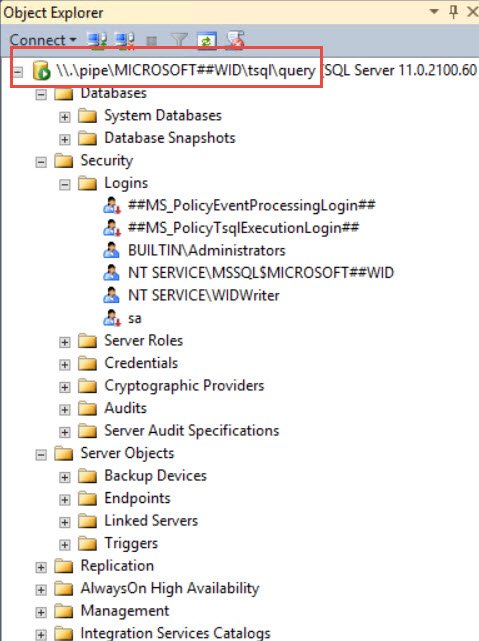
- Only local connections can be made and that too using named pipes only.
\\.\pipe\MICROSOFT##WID\tsql\query (on Windows 2012 Server)
\\.\pipe\MSSQL$MICROSOFT##SSEE\sql\query (before Windows 2012)
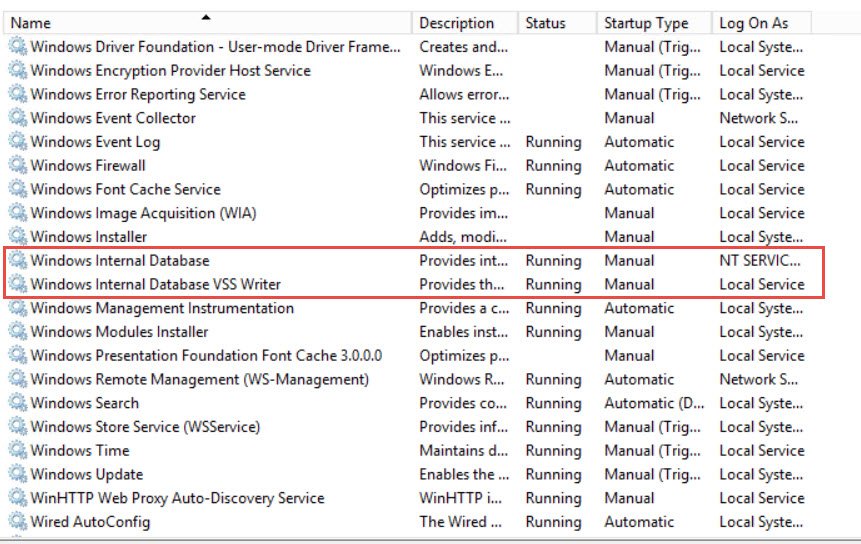
- Here is the snapshot from Windows 2012 Server
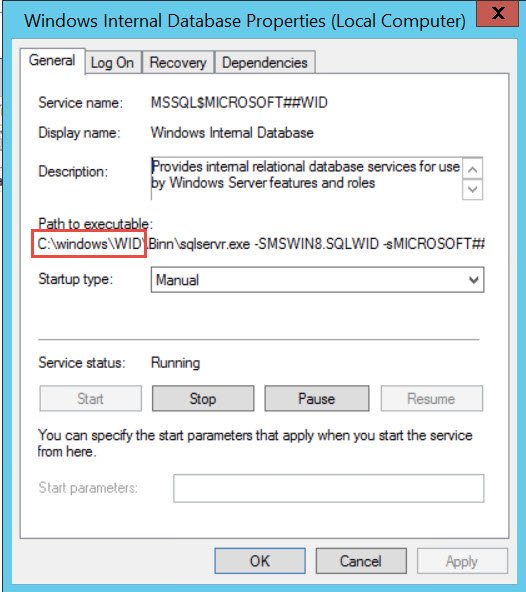
Here are the properties for the Service.
Here is a SSMS session connected via named pipes
I hope you would have learned something about this. Now I am not sure if you will ever use these in your environments. But my daily dose of learnings will never stop and hence it features today for you as a blog.
Published by Pinal Dave on SQLAuthority. More of my work at pinaldave.com.

3 Comments. Leave new
i used this article to reduce the memory of Windows Internal Database.thanks sir.
How did you do this?
Brilliant, thanks Pinal