The SQL Server scheduler decides which ready work gets processor time. When I visited my hometown and college in 2015, I met a professor on the way to class. I asked to join the discussion, and we spent time talking about scheduling. That hour brought back many memories and prompted these notes.

Operating Systems Schedule Threads
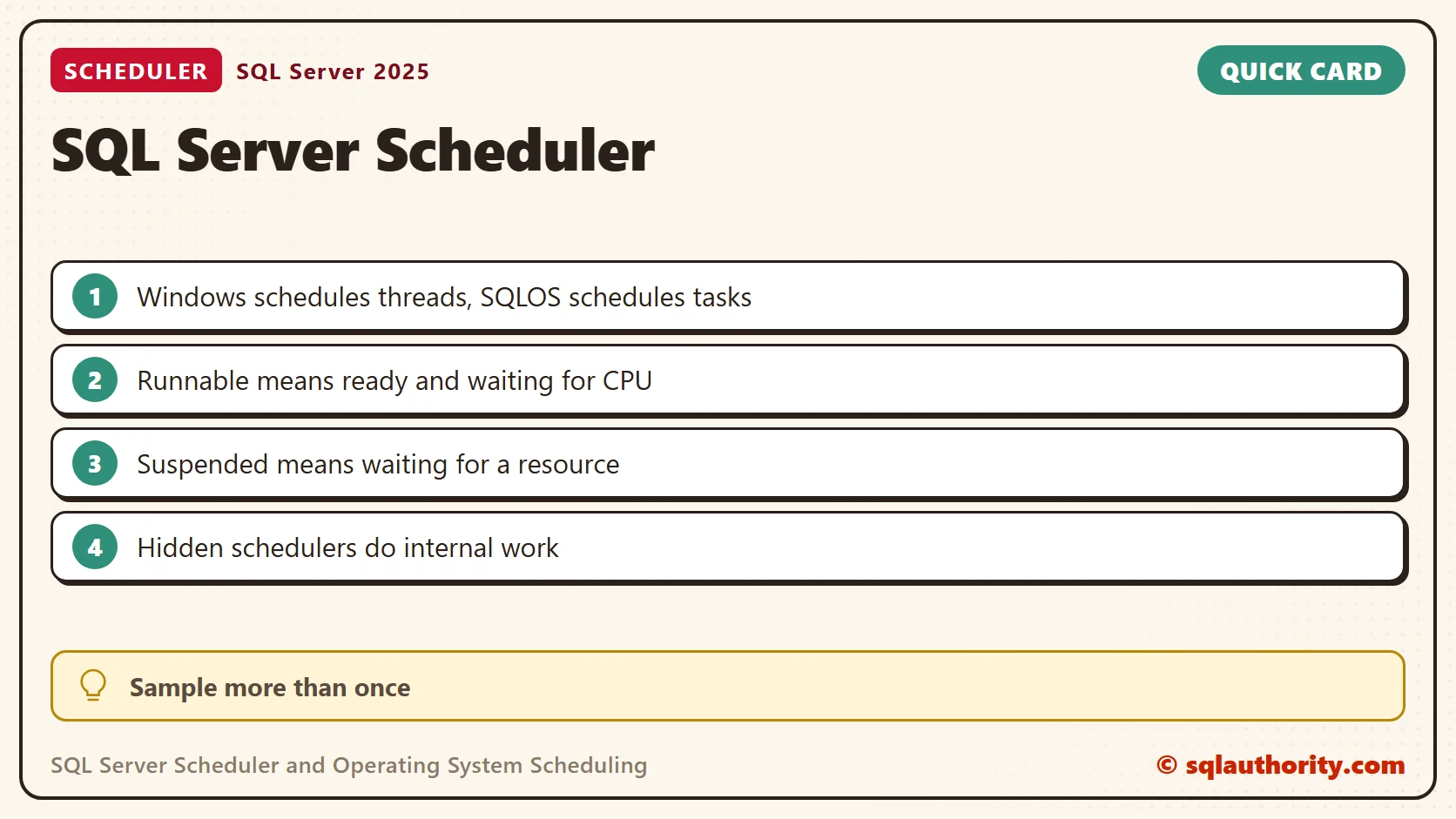
On Windows, a process provides an execution environment, including an address space and resources. Threads execute instructions within that process. The operating system schedules runnable threads on available logical processors.
Windows uses preemptive scheduling. A running thread can lose processor time when its time slice ends or higher-priority work needs to run. A thread can also wait for an event or resource. Ready work needs CPU time, and waiting work needs something else to happen.
This distinction matters when you troubleshoot an application. A slow response doesn’t prove that the processor is busy. The application can be waiting for storage, a lock or a network response.
SQL Server Adds Its Own Scheduling Layer
SQL Server uses SQLOS schedulers to coordinate work inside the database engine. In the usual thread-based configuration, workers use operating-system threads. A request can need one task or several, particularly when a query runs in parallel.
Much of this work uses cooperative scheduling: workers yield so other ready work can run. SQL Server also uses preemptive mode for some operations. That doesn’t turn Windows into a cooperative operating system, because Windows keeps scheduling its threads.
A scheduler is not a user connection, and a worker is not a private CPU for one query. SQL Server keeps visible schedulers for normal work and other schedulers for internal purposes. CPU affinity, available processors and configuration affect what is online.
Inspect the Visible Online Schedulers
This read-only query shows the schedulers available for normal work. On SQL Server 2019 and earlier it needs VIEW SERVER STATE. On SQL Server 2022 and later it needs VIEW SERVER PERFORMANCE STATE. These notes cover the database engine, not every Azure service.
I tested the permission on SQL Server 2025. A login with no grants got Msg 300 and the denial named the new permission. The same login with only VIEW SERVER PERFORMANCE STATE could read the view.
SELECT scheduler_id, cpu_id, parent_node_id, status,
       current_tasks_count, runnable_tasks_count,
       current_workers_count, active_workers_count,
       work_queue_count
FROM sys.dm_os_schedulers
WHERE status = N'VISIBLE ONLINE'
ORDER BY scheduler_id;- runnable_tasks_count: workers with assigned tasks waiting on the runnable queue for scheduler time.
- work_queue_count: tasks waiting for a worker to pick them up.
- current_tasks_count: tasks associated with the scheduler, including work that is waiting or runnable.
- current_workers_count: workers associated with the scheduler. This is not the number currently consuming CPU.
A single sample is only a moment in time. Repeated runnable queues support an investigation of CPU pressure, but the count isn’t a CPU percentage. Compare samples with CPU utilization, waits and the workload. A zero runnable queue doesn’t mean that no query is executing.
Count Tasks by State
The task state shows what each task is doing right now. RUNNING tasks hold a processor. RUNNABLE tasks are ready and wait for one. SUSPENDED tasks wait for a resource, and the request’s wait type names it.
SELECT t.task_state, COUNT(*) AS tasks
FROM sys.dm_os_tasks AS t
JOIN sys.dm_exec_sessions AS s ON s.session_id = t.session_id
WHERE s.is_user_process = 1
GROUP BY t.task_state
ORDER BY t.task_state;
On an idle instance the only user task is the query itself, running. I then started 24 busy loops and one WAITFOR DELAY on my 16-scheduler PC. Four seconds in, the same query showed 14 runnable tasks, 11 running and 3 suspended. The requests view showed 11 runnable requests, 13 running, and the WAITFOR request suspended with that wait type. After the loops ended, the runnable count returned to zero.
That is one sample on a PC that ran other work too. The exact numbers don’t matter. The pattern does. More busy sessions than schedulers produce a runnable queue. A waiting session stays suspended and uses no CPU.
Hidden Schedulers and the Totals
The view holds more rows than the visible list. My instance reported 39 schedulers: 16 visible online, 22 hidden online and one for the dedicated administrator connection. The hidden ones serve internal tasks. The count of visible ones matches the processors SQL Server uses.
SELECT status, COUNT(*) AS schedulers FROM sys.dm_os_schedulers GROUP BY status ORDER BY status;
SELECT cpu_count, scheduler_count, max_workers_count FROM sys.dm_os_sys_info;
Keep the Layers Separate
When a query is slow, first find out what state it is in. It can be running, waiting for CPU, waiting for a worker or waiting for another resource. Those cases call for different investigations. A runnable queue points at CPU. A non-zero work_queue_count points at workers. A suspended task points at its wait type.
Increasing parallelism or changing server-wide settings before you make that distinction makes the problem harder to understand. My college visit began as a chance to revisit familiar places. It reminded me that basic operating-system concepts still explain database performance.
A scheduler is not a measure of query speed, it is part of how work gets a chance to run.
Published by Pinal Dave on SQLAuthority. More of my work at pinaldave.com.
Discover more from SQL Authority with Pinal Dave
Subscribe to get the latest posts sent to your email.