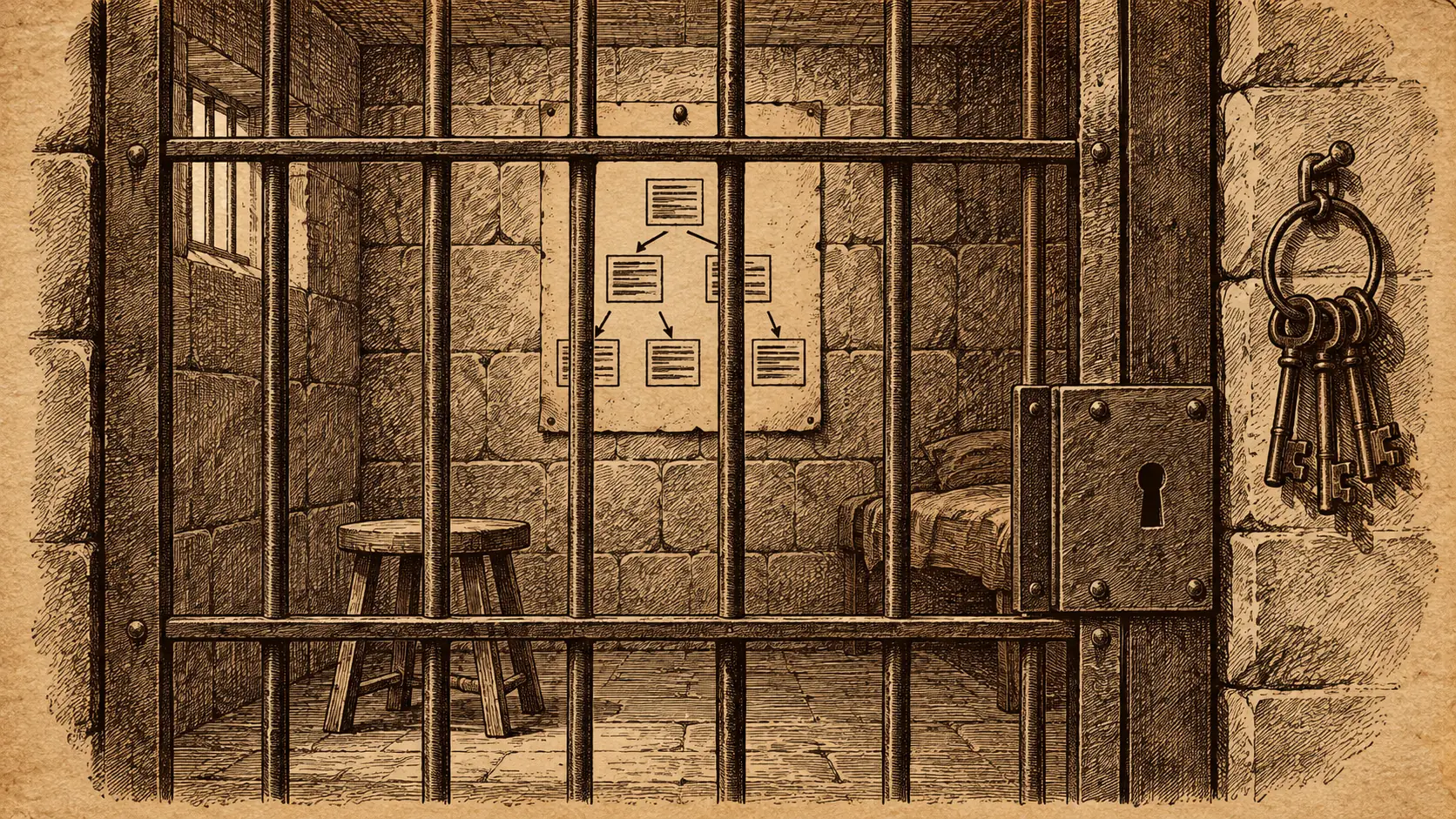
How to find the query that ran at 3 a.m. after the fact. It uses nothing but what SQL Server 2025 keeps on its own. I planted a culprit, gave it eight disguises and buried it in four hundred innocent lookups. Then I tracked it down with Query Store. This is the poster.
WANTED
FOR READING 2,500,000 ROWS TO COUNT THEM
- Description
- A COUNT_BIG over dbo.Orders_S60, filtered on Amount and Status, neither of which has an index. Travels under a different literal each time, so no two sightings look alike.
- Sightings
- 8, between 09:35:00 and 09:35:03 UTC.
- Cost per sighting
- 41,823 logical reads. 334,584 in total.
- Known accomplice
- PK_Orders_S60, the clustered index, scanned end to end. 2,500,000 rows read per sighting.
- Last seen
- 09:35:03 UTC, in the 09:00 to 10:00 interval.
- Distinguishing mark
- Query hash 0x1E34C17E155296A7. The literal changes. The hash does not.
REWARD: one nonclustered index on (Status, Amount)
Here’s how the poster was made.
The crime: one query that ran at 3 a.m.
I cleared Query Store so the only history was what this test made. Then two hundred innocent lookups, one customer each, a few reads apiece.
Then the culprit, eight times, with a different amount in the WHERE clause each time. It looked like eight separate ad hoc statements. Then two hundred more innocents on top, to bury it.
Then I flushed Query Store to disk and started the investigation cold. As if I’d been handed the alert a minute ago.
Step one: who did the most reads?
The first query any investigator runs. Everything Query Store saw, sorted by total reads.
DECLARE @from DATETIME2(3) = DATEADD(HOUR, -1, SYSUTCDATETIME()),
        @to   DATETIME2(3) = SYSUTCDATETIME();

SELECT TOP (5) q.query_id, LEFT(qt.query_sql_text, 52) AS query_text,
       SUM(rs.count_executions) AS execs,
       SUM(rs.avg_logical_io_reads * rs.count_executions)
         / SUM(rs.count_executions) AS avg_reads,
       SUM(rs.avg_logical_io_reads * rs.count_executions) AS total_reads,
       MAX(rs.last_execution_time) AS last_seen
FROM sys.query_store_query q
JOIN sys.query_store_query_text qt ON qt.query_text_id = q.query_text_id
JOIN sys.query_store_plan p ON p.query_id = q.query_id
JOIN sys.query_store_runtime_stats rs ON rs.plan_id = p.plan_id
WHERE rs.last_execution_time >= @from
  AND rs.first_execution_time <= @to
GROUP BY q.query_id, LEFT(qt.query_sql_text, 52)
ORDER BY total_reads DESC;
query_id  query_text                                     execs  avg_reads  total_reads  last_seen
7         (@x bigint)SELECT @x = COUNT_BIG(*) FROM dbo...  1      41,823     41,823       09:35:02
8         (@x bigint)SELECT @x = COUNT_BIG(*) FROM dbo...  1      41,823     41,823       09:35:02
6         (@x bigint)SELECT @x = COUNT_BIG(*) FROM dbo...  1      41,823     41,823       09:35:01
5         (@x bigint)SELECT @x = COUNT_BIG(*) FROM dbo...  1      41,823     41,823       09:35:01
3         (@x bigint)SELECT @x = COUNT_BIG(*) FROM dbo...  1      41,823     41,823       09:35:00
Five suspects at the top, each seen once. They look like five different people. That’s the disguise working.
Two things about this query, and an earlier draft of this post got both wrong.
Aggregate before you rank. One runtime stats row is one plan in one interval. Rank the raw rows and the arithmetic goes wrong. A heavy query that ran all week can sit below one that ran once. Group by the query first, then sum.
Declare the window once and keep it. My earlier version filtered by interval in step one and then dropped the filter in steps two and three. In a freshly cleared lab that gives the right answer. In a production Query Store holding weeks of history it would not.
Step two: take off the disguise
The query hash is computed from the statement shape with the literals stripped out. Eight statements with different amounts share one hash.
SELECT TOP (3) q.query_hash, COUNT(DISTINCT q.query_id) AS distinct_texts,
       SUM(rs.count_executions) AS execs,
       SUM(rs.avg_logical_io_reads * rs.count_executions) AS total_reads
FROM sys.query_store_query q
JOIN sys.query_store_query_text qt ON qt.query_text_id = q.query_text_id
JOIN sys.query_store_plan p ON p.query_id = q.query_id
JOIN sys.query_store_runtime_stats rs ON rs.plan_id = p.plan_id
WHERE rs.last_execution_time >= @from
  AND rs.first_execution_time <= @to
GROUP BY q.query_hash
ORDER BY total_reads DESC;
query_hash          distinct_texts  execs  total_reads
0x1E34C17E155296A7  8               8      334,584
0xB3D890533C39CB7C  1               394    3,819
One suspect, eight disguises, 334,584 reads. I issued four hundred innocent lookups and Query Store recorded 394 executions of them, 3,819 reads in total. The culprit did 88 times the reads of everyone else combined.
Same window as step one. That is the whole point of declaring it once.

Step three: the accomplice
Query Store keeps the plan. The plan names what it touched.
;WITH inwindow AS (
    SELECT q.query_hash, p.plan_id, p.query_plan,
           p.is_parallel_plan, p.last_execution_time,
           rs.avg_logical_io_reads * rs.count_executions AS reads
    FROM sys.query_store_query q
    JOIN sys.query_store_query_text qt ON qt.query_text_id = q.query_text_id
    JOIN sys.query_store_plan p ON p.query_id = q.query_id
    JOIN sys.query_store_runtime_stats rs ON rs.plan_id = p.plan_id
    WHERE rs.last_execution_time >= @from
      AND rs.first_execution_time <= @to
), top_hash AS (
    SELECT TOP (1) query_hash FROM inwindow
    GROUP BY query_hash ORDER BY SUM(reads) DESC
), worst_plan AS (
    SELECT TOP (1) plan_id FROM inwindow
    WHERE query_hash = (SELECT query_hash FROM top_hash)
    GROUP BY plan_id ORDER BY SUM(reads) DESC
)
SELECT TOP (1) w.plan_id, w.is_parallel_plan,
       CAST(w.query_plan AS XML).value('count(//*[local-name()="RelOp"])', 'int') AS operators,
       CAST(w.query_plan AS XML).value('(//*[local-name()="RelOp"][.//*[local-name()="Object"]]/@PhysicalOp)[last()]', 'varchar(40)') AS access,
       CAST(w.query_plan AS XML).value('(//*[local-name()="Object"]/@Table)[1]', 'varchar(40)') AS accomplice_table,
       CAST(w.query_plan AS XML).value('(//*[local-name()="Object"]/@Index)[1]', 'varchar(40)') AS accomplice_index,
       CAST(w.query_plan AS XML).value('(//*[local-name()="RelOp"][.//*[local-name()="Object"]]/@EstimatedRowsRead)[last()]', 'float') AS est_rows_read
FROM inwindow w WHERE w.plan_id = (SELECT plan_id FROM worst_plan);
plan_id  is_parallel  operators  access                 accomplice_table  accomplice_index  est_rows_read
3        0            2          Clustered Index Scan   [Orders_S60]      [PK_Orders_S60]   2,500,000
Two operators. A scan of the clustered index, reading every one of 2,500,000 rows, and an aggregate on top. There’s no index on Status or Amount, so there’s nowhere else to go.
Two details worth copying. Rank that hash’s plans by the reads they did, not by which ran last. The same query shape ran again after I built the index. That newer plan is innocent. And take the innermost operator that touches the object. The first one in the plan is the aggregate sitting above it.
That’s the reward on the poster, and I paid it. With a 48 MB index on (Status, Amount), the same count went from 41,823 reads to 4,886. It ran as a seek on the new index.
Step four: last seen
SELECT i.start_time, i.end_time, SUM(rs.count_executions) AS execs,
       SUM(rs.avg_logical_io_reads * rs.count_executions) AS reads,
       MIN(rs.first_execution_time) AS first_seen, MAX(rs.last_execution_time) AS last_seen
FROM sys.query_store_query q
JOIN sys.query_store_plan p ON p.query_id = q.query_id
JOIN sys.query_store_runtime_stats rs ON rs.plan_id = p.plan_id
JOIN sys.query_store_runtime_stats_interval i
  ON i.runtime_stats_interval_id = rs.runtime_stats_interval_id
WHERE q.query_hash = 0x1E34C17E155296A7
  AND rs.last_execution_time >= @from
GROUP BY i.start_time, i.end_time;
interval_start_utc  interval_end_utc  execs  reads    first_seen_utc       last_seen_utc
2026-09-22 09:00    2026-09-22 10:00  8      334,584  2026-09-22 09:35:00  2026-09-22 09:35:03
The interval is an hour wide, which is the default, so the row covers 09:00 to 10:00. The execution times inside it are what pin the crime down to three seconds. Filter on those, not on the interval’s start. Otherwise an interval that began forty-five minutes ago drops out of your window.
Eight runs in three seconds isn’t somebody typing. It’s something automated, and Query Store can’t tell me which job. That’s the next place to look, in the job history or the application log.
Why Query Store and not the plan cache
The plan cache would have found it too, and I checked. But the plan cache forgets. A restart, memory pressure, or a busy afternoon and the evidence is gone. Query Store writes to disk and keeps it for as long as you tell it to. That’s why it’s the tool for anything that happened while you were asleep.
It was on by default on this database, capturing everything, with a 1,000 MB budget. Check yours before you need it.
Hang this one up
The four queries above are the whole method. One window, then total reads, then group by hash, then the plan, then the interval. Ten minutes from alert to poster, and the index took another two.
If you’d like these queries tuned for your instance, with the intervals and retention set right, that’s a morning’s work.
A mystery query is not gone, it is in Query Store wearing a different literal.
Published by Pinal Dave on SQLAuthority. More of my work at pinaldave.com.
Discover more from SQL Authority with Pinal Dave
Subscribe to get the latest posts sent to your email.