dbForge Studio for SQL Server is a powerful IDE for managing, administrating, configuring, developing various components of SQL Server. The tool incorporates various graphical utilities and script editors allowing developers and administrators to access and manage SQL Server. You can download the latest version of dbForge Studio for SQL Server from the Devart website.
Feature Highlights
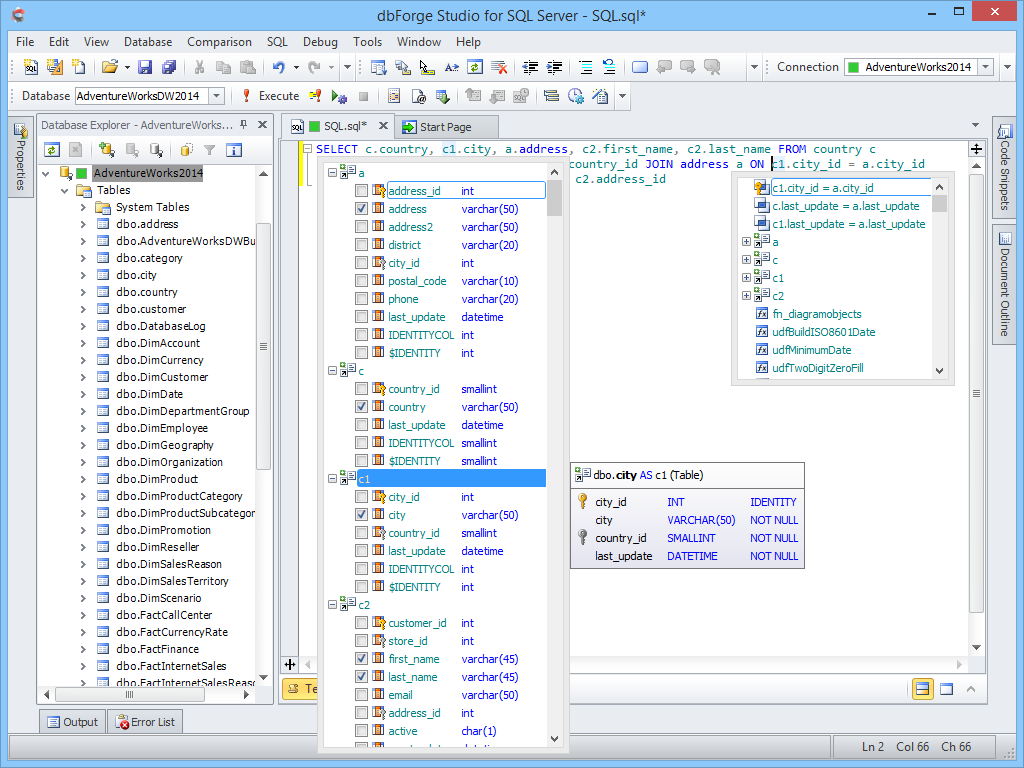
SQL Coding Assistance features help you get instant information on the SQL code you are typing, prompts context-sensitive suggestions, object member lists, full JOIN clauses, expands INSERT, EXEC, and ALTER statements, wildcards, generates aliases, and much more. Automatic SQL formatting brings your code in line with common coding style standards. There is a great number of built-in SQL snippets that store and reuse repeated code fragments saving you a good deal of time. Quick Object Info displays a complete description of any identifier in your code.
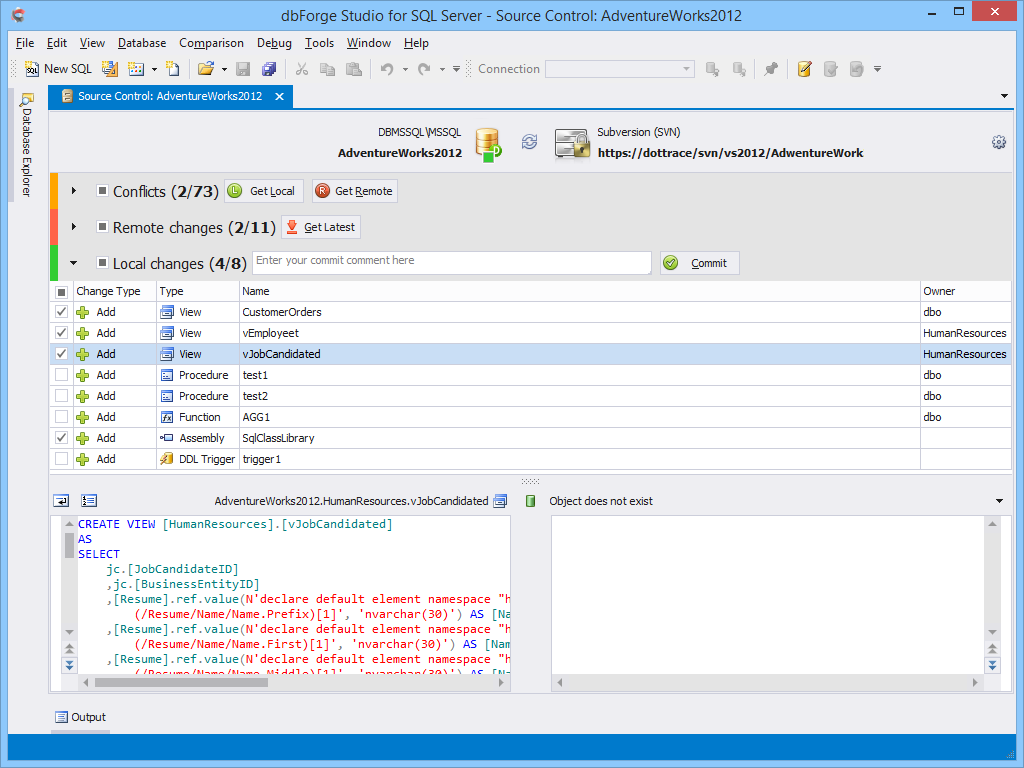
SQL Source Control allows you to manage database changes in source control when developing and deploying an application. You can quickly link an SQL database to one of the supported source control systems: Subversion (SVN), Team Foundation Server (including TFS Cloud), Git (including GitHub), Perforce (P4), Mercurial, SourceGear Vault. Commit local changes to a remote repository, update a local working copy with the latest changes from the source control, view change history, merge files, and resolve conflicts visually in a handy interface.
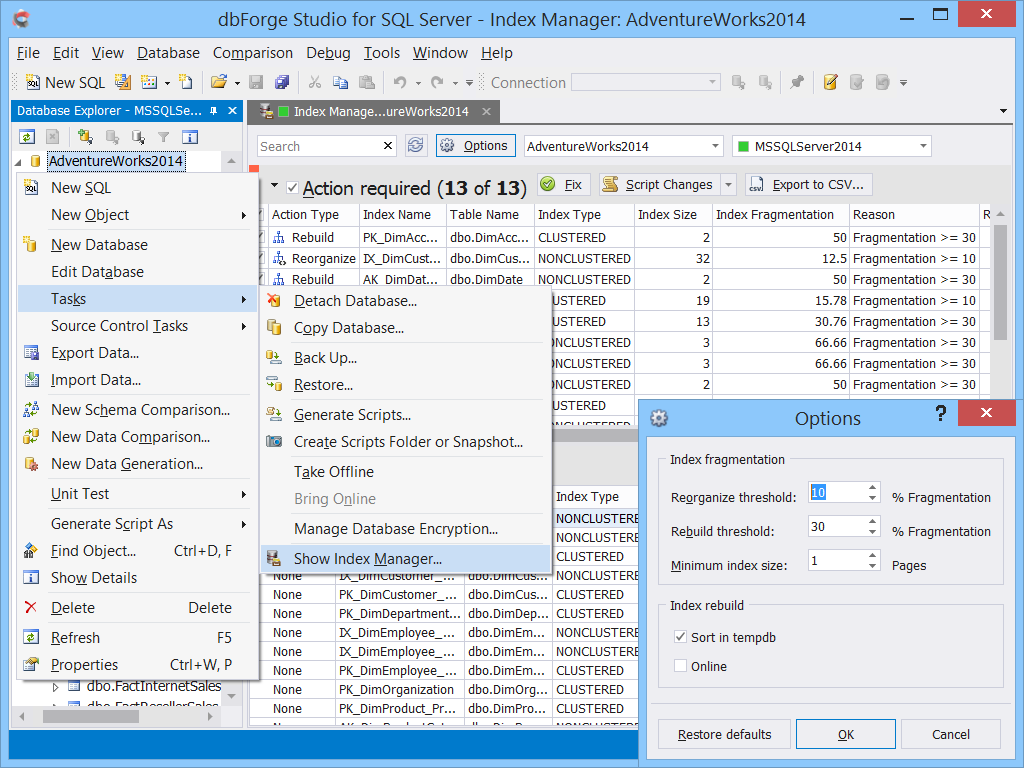
Index Manager lets you analyze the status of SQL indexes and fix the issues with index fragmentation. You can quickly gather index fragmentation statistics, detect databases that require maintenance, instantly rebuild and reorganize SQL indexes in a visual mode or generate an SQL script for future use.
Unit Test is a tSQLt-based tool that is designed for implementing automated unit testing so that you can develop stable and reliable SQL code that can be properly regression tested at the unit level.
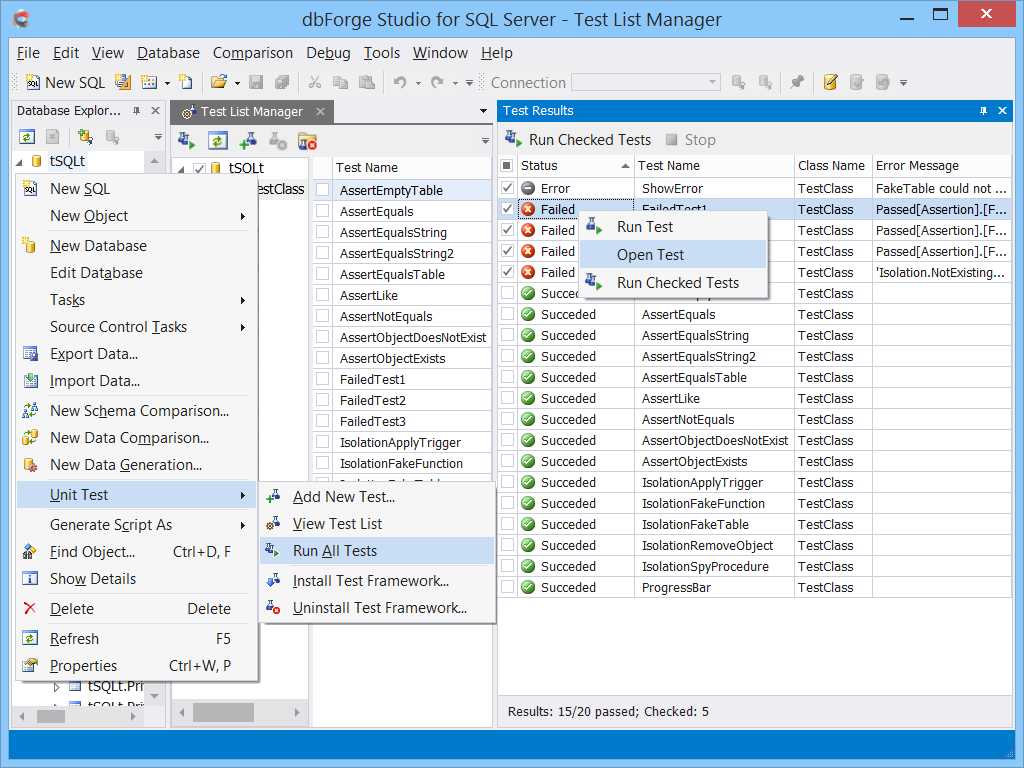
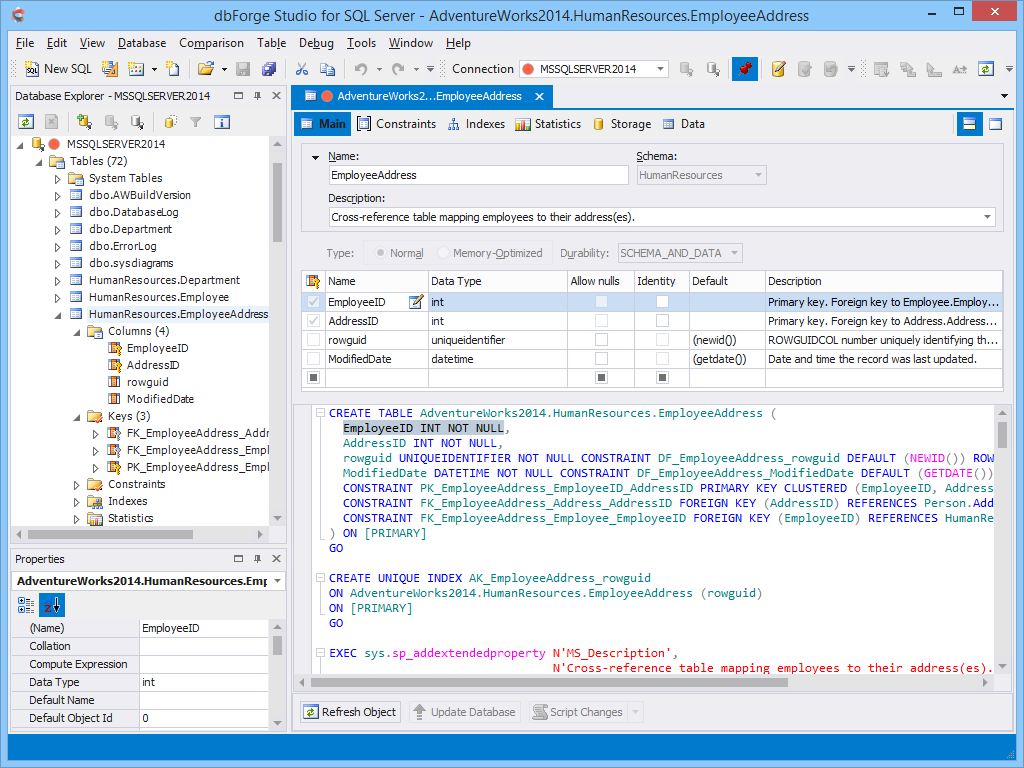
Table Designer user interface is similar to that used in SSMS. It has visual editors for columns, indexes, primary and foreign keys, check constraints, statistics, and table storage properties.
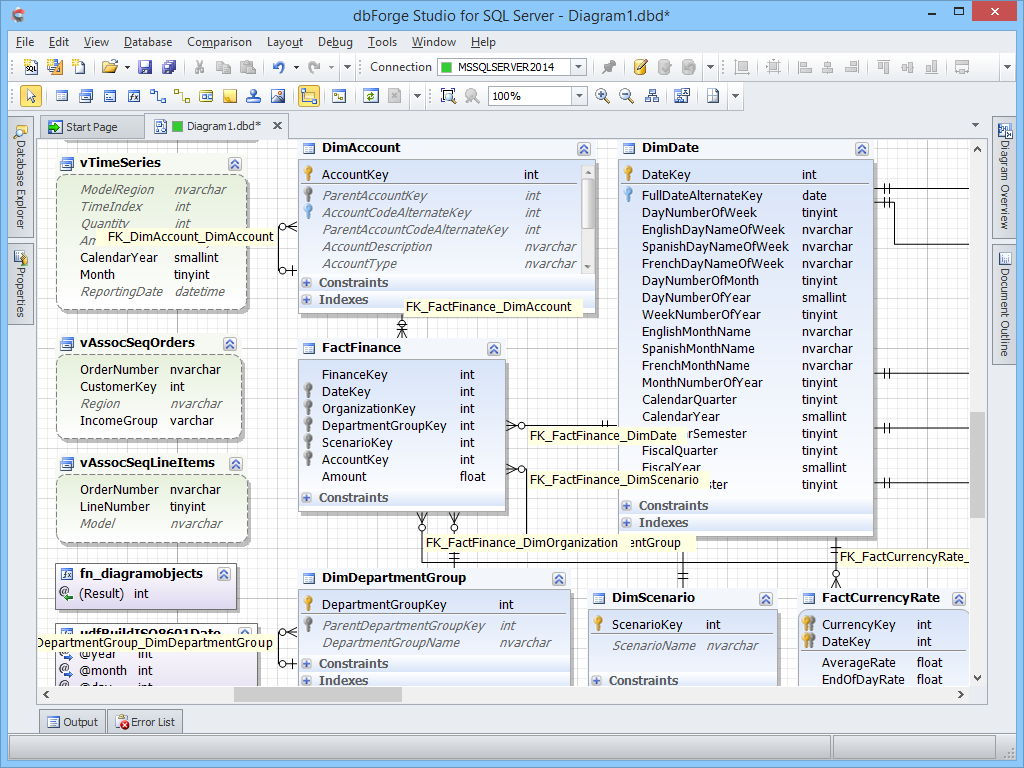
Database Diagram helps you visualize a database. You can create one or more diagrams that illustrate some or all of the tables, columns, keys, and relationships of a specific particular database. dbForge Studio for SQL Server allows you to create as many database diagrams as you want.
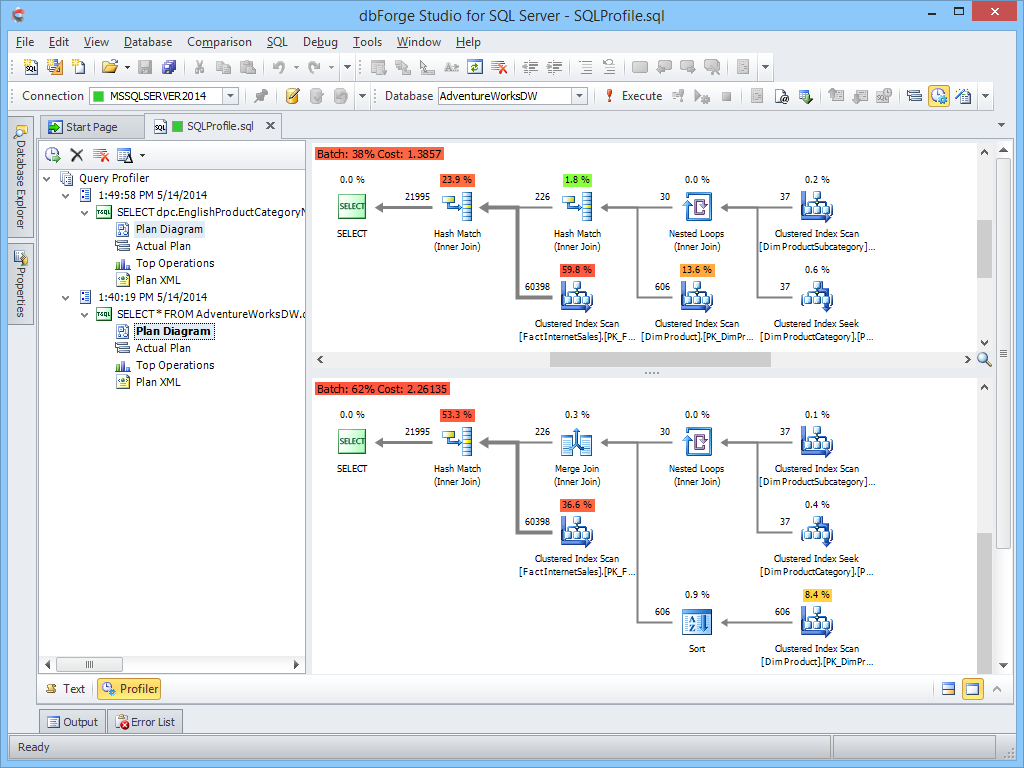
Query Profiler provides a graphical representation of the actual and estimated query execution plans. A graphical plan is a commonly used type of an execution plan. The graphical format of both the actual and estimated execution plans makes it easier to analyze them. The detailed data on the plans can be found in ToolTips and Property sheets. The tool allows you to compare different plans while doing some performance tuning.
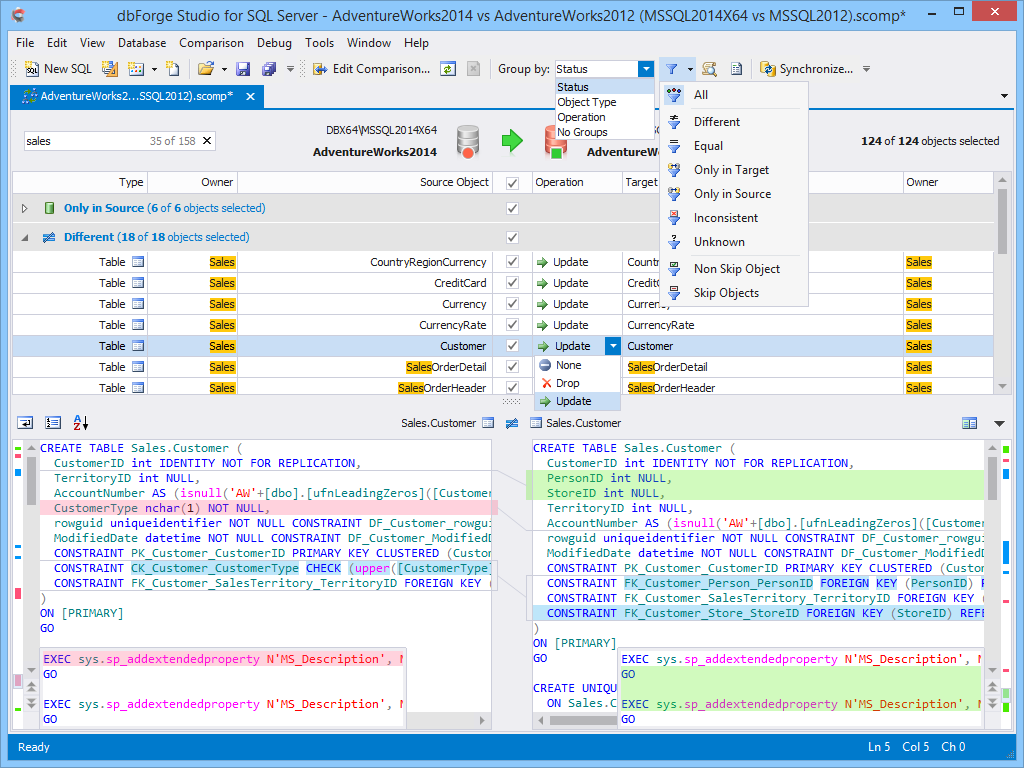
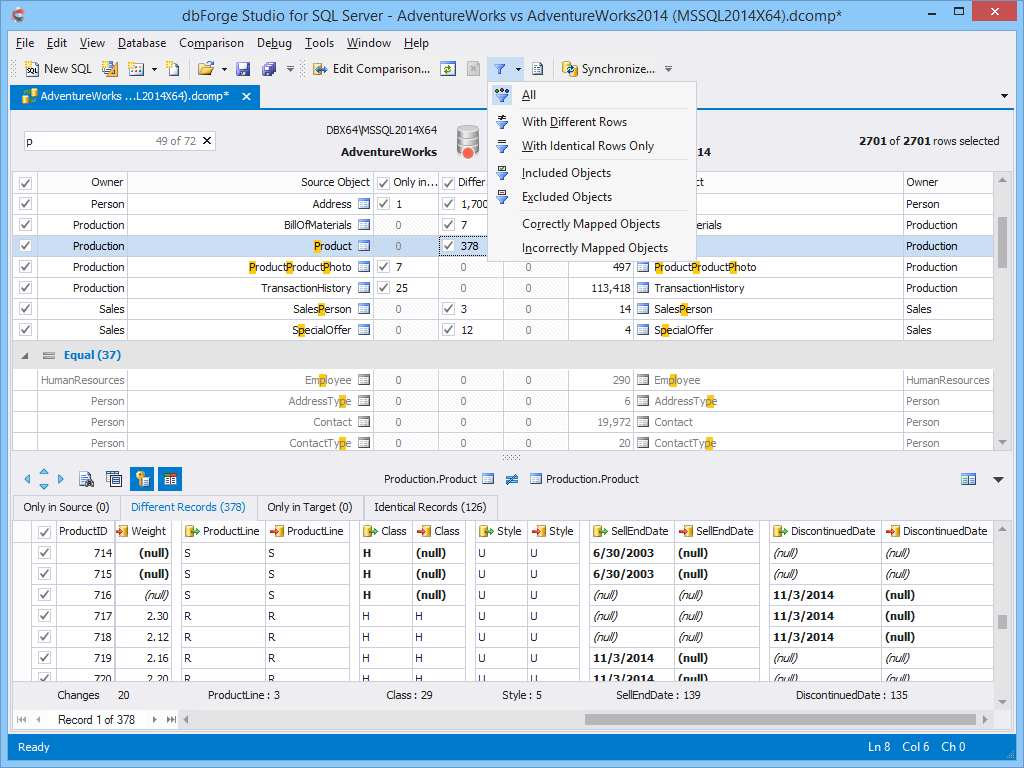
Schema Compare tool allows you to synchronize database schemas with complex object dependencies. The results of schema comparison are neatly presented in a preview window. In addition, dbForge Studio for SQL Server generates a Data Definition Language (DDL) script that can be used to synchronize the different schemas.
In case you need to move data from one SQL Server instance to another or compare databases with different structures on two remote SQL Server instances, the Data Compare tool is what you need. With this tool, you can easily synchronize table data between servers, analyze data differences and create reports. You can even schedule regular data synchronization and automate the process.
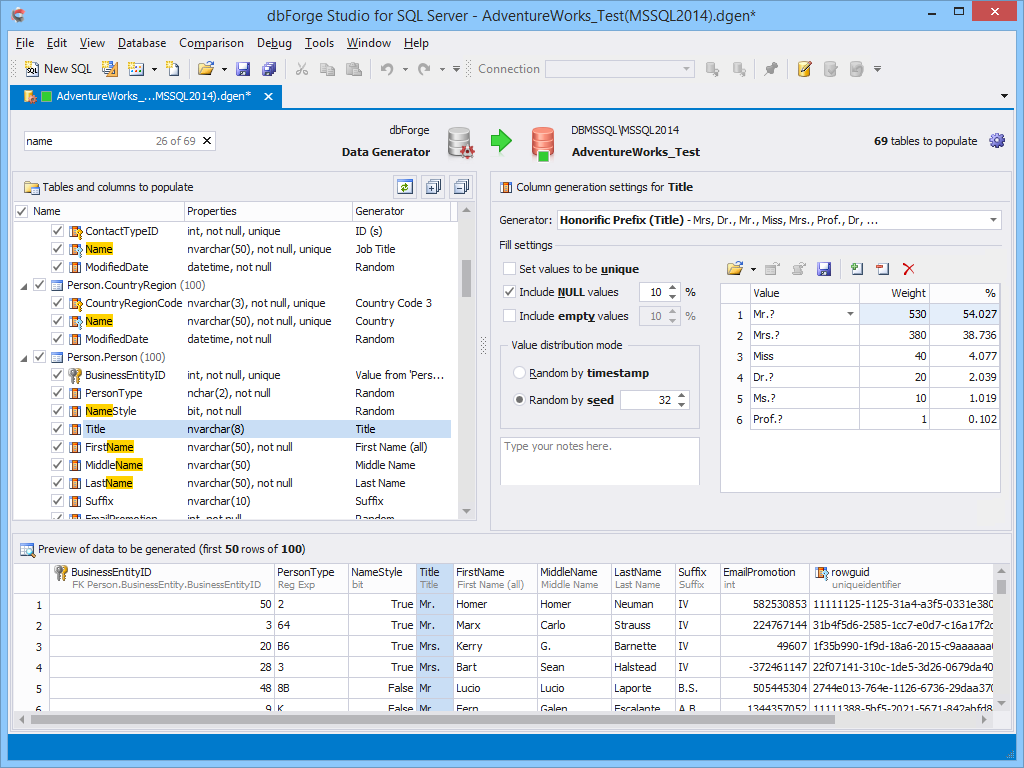
When you develop an application, performing tests under conditions that closely simulate the production environment can be a formidable challenge. If you don’t have meaningful test data in your test environment, it will be hard to predict the application behavior after the release. The built-in Data Generator provides a great choice of predefined generators with sensible configuration options that allow generating column-intelligent and meaningful data.
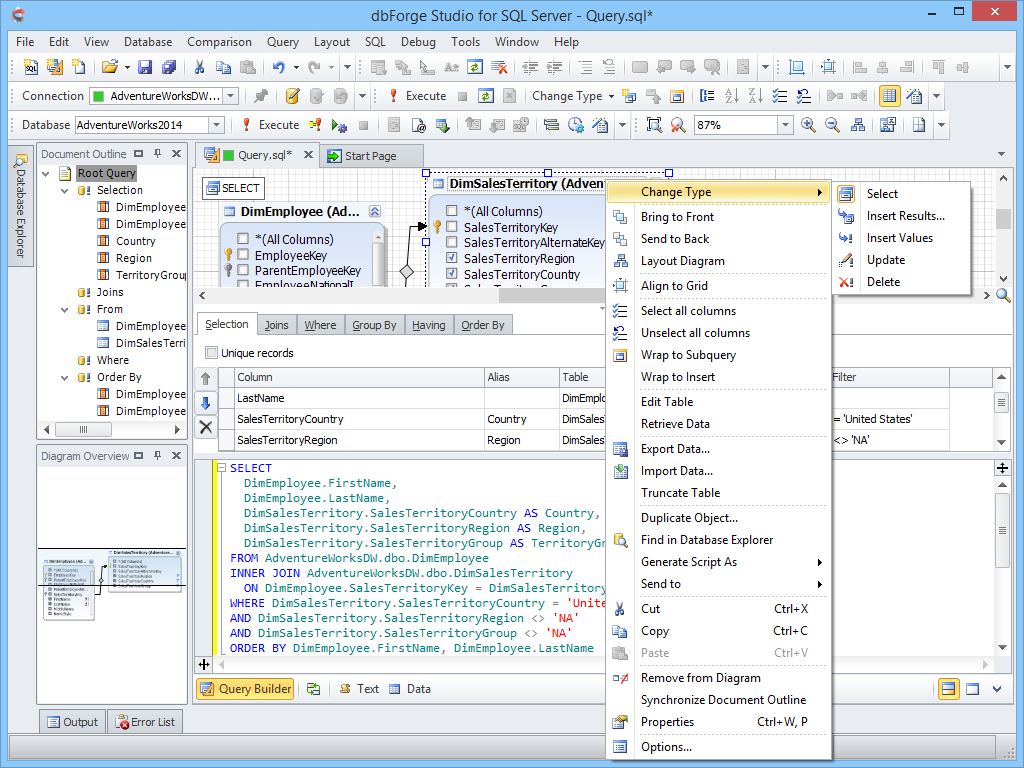
If you are not too proficient with T-SQL, visual Query Builder will help you create complex queries using only a mouse. The tool provides visual editors for each query clause and automatically creates relationships between tables.
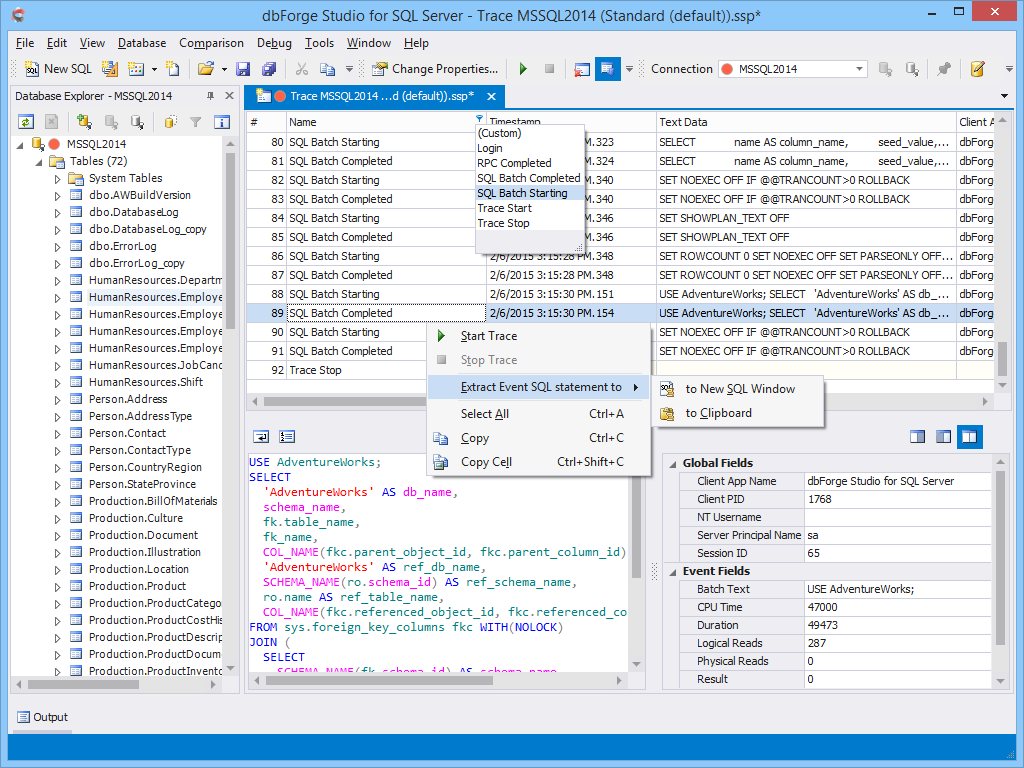
Event Profiler allows you to capture and analyze SQL Server events. The events and data columns will be stored in a physical trace file for later examination. You can use this information to identify and troubleshoot many SQL Server-related problems.
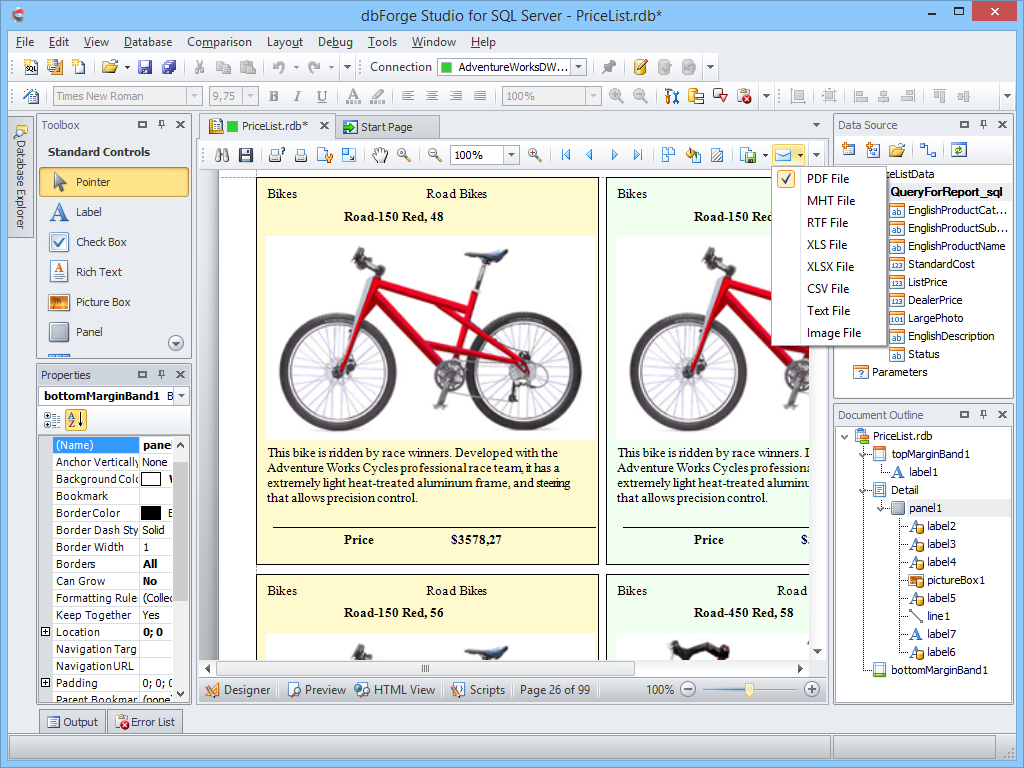
You can easily build SQL reports of any complexity, edit report parameters, customize formatting, calculate summaries in the user-friendly interface of SQL Server Report Builder.
Conclusion
As you can see, dbForge Studio for SQL Server is a powerful SQL management tool that covers all the important areas of SQL database development, administration, and management. Another great advantage of dbForge Studio for SQL Server is that it is highly affordable. Prices start from 249$, which is awesome!
Published by Pinal Dave on SQLAuthority. More of my work at pinaldave.com.